Make Shopify website design much more efficient: Our free Figma wireframe kit

Hi. I'm a designer.
be well received on this site "Adobe XD Wireframe Kit Helps Shopify Site Theme Development and Design" 。
This time, we have created a new Figma version while incorporating the update contents of Shopify.
I think that Shopify’s inexperienced team will help you create wireframes for your original themes, as well as understand the theme structure.
Contents [ hidden display ]
Figma Wireframe Kit
Download Figma File (Fig Data)
Please enter your e-mail address below and we will guide you to the download link.
* Information Privacy policy In addition, we will not send you an e-mail from our company for business, so please rest assured.
We may only contact you if any changes are made to the Shopify specification and wireframes have been updated.
reason for distributing
This wireframe kit was originally created for the company because we thought it would be convenient to customize Shopify site’s design.
Since the reputation of a non-design director and an inexperienced designer engineer at Shopify was very good, we decided that it would be better to focus on the area where e-commerce site production has higher added value for those who have similar needs.
Overview of Wireframe Kit
Wireframe elements are made up of the minimum required content based on "Dawn", an official theme compatible with OS 2.0, and "Rise" as of November 2024.
Main features
- For elements that you think are important on each screen, we have a comb at the beginning of the layer name.
- Figma also offers a basic component list, text and color styles so you can use them as needed.
Benefits of Using Wireframe Kit
- When creating wireframes/design camps/prototypes for a Shopify site, you can create them based on the wireframe kit to make sure that pages and elements are ready without breaking out of sight.
- The Figma Prototype Makes Linking So You Can Understand the Structure of Shopify Site
- You can easily create touch-based prototypes that don’t design still images, and use them for user testing
When creating a design, the necessary elements are placed in advance on wire frames so that you can efficiently proceed with your design work.
Also, the prototypes we touch are very useful in sharing images and user testing between members. a workshop called design sprint This kit is used to create a prototype of an EC site, and the production time can be greatly shortened.
a list of pages included in wireframe kits)
Figma files (Fig data) here You can download it more, but we will also introduce some of the pages included in the kit here.
top page
home page

<header>
Notice bar
axe logo
A link to a sub-page (linked with the Shopify menu)
comb-cart icon
account icon
Search icon
<footer>
Links to the bottom page (linked with Shopify menu)
e-mail magazine registration
policy link
SNS icon
Payment icon
Country/region selector
language selector
copylight
section
slideshow
Special feature collection
Specialty products
Collection list
Rich Text
-- text with images
• Multiple columns
-- Collage
multicolumn
-- foldable content
email registration
-- a blog post
Video or image banner
page
Details about the section include: here Please see it together.
product page-related
Collection (Product Category) List Page
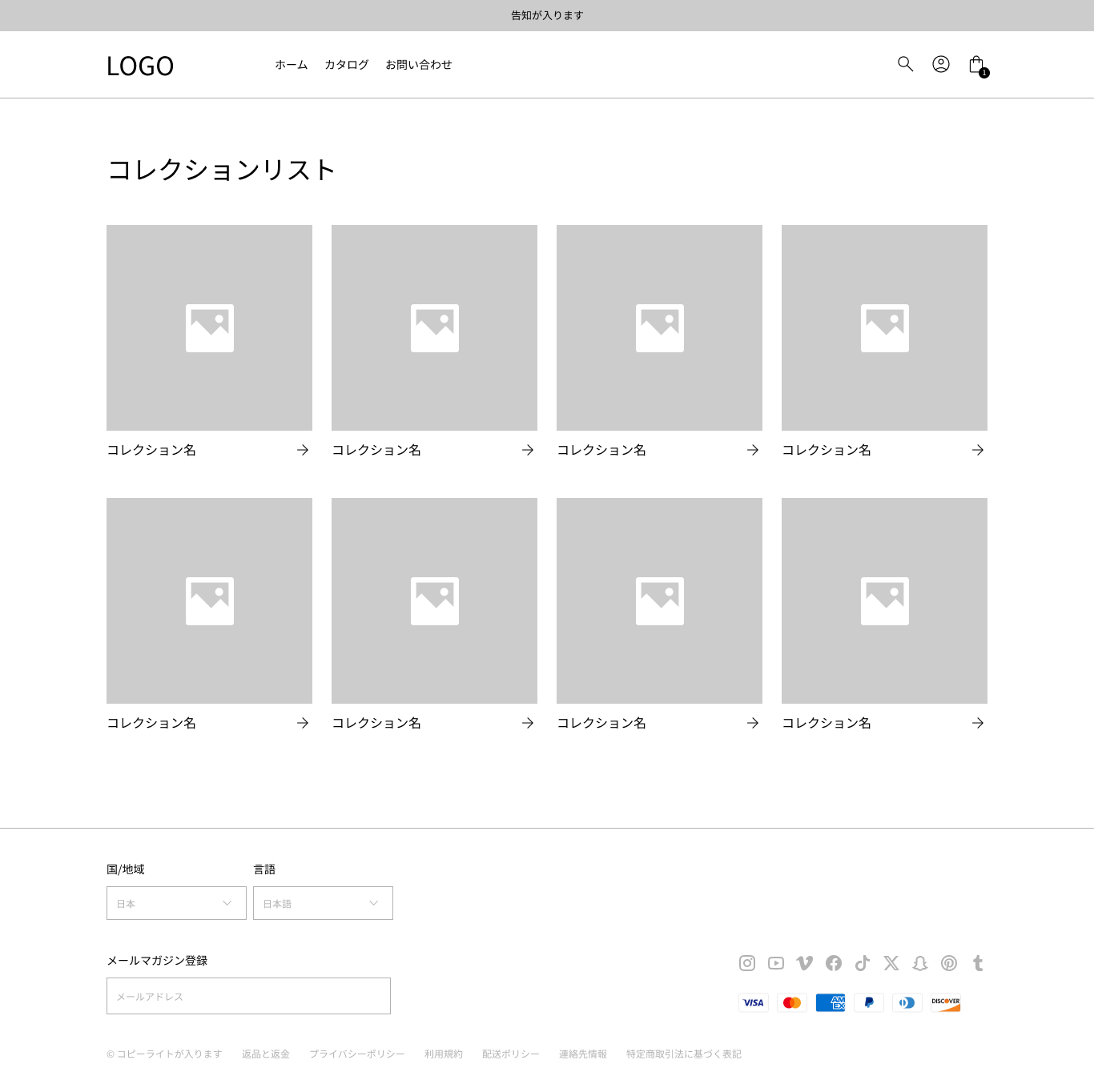
Collection Title
Collection thumbnail image
product list page
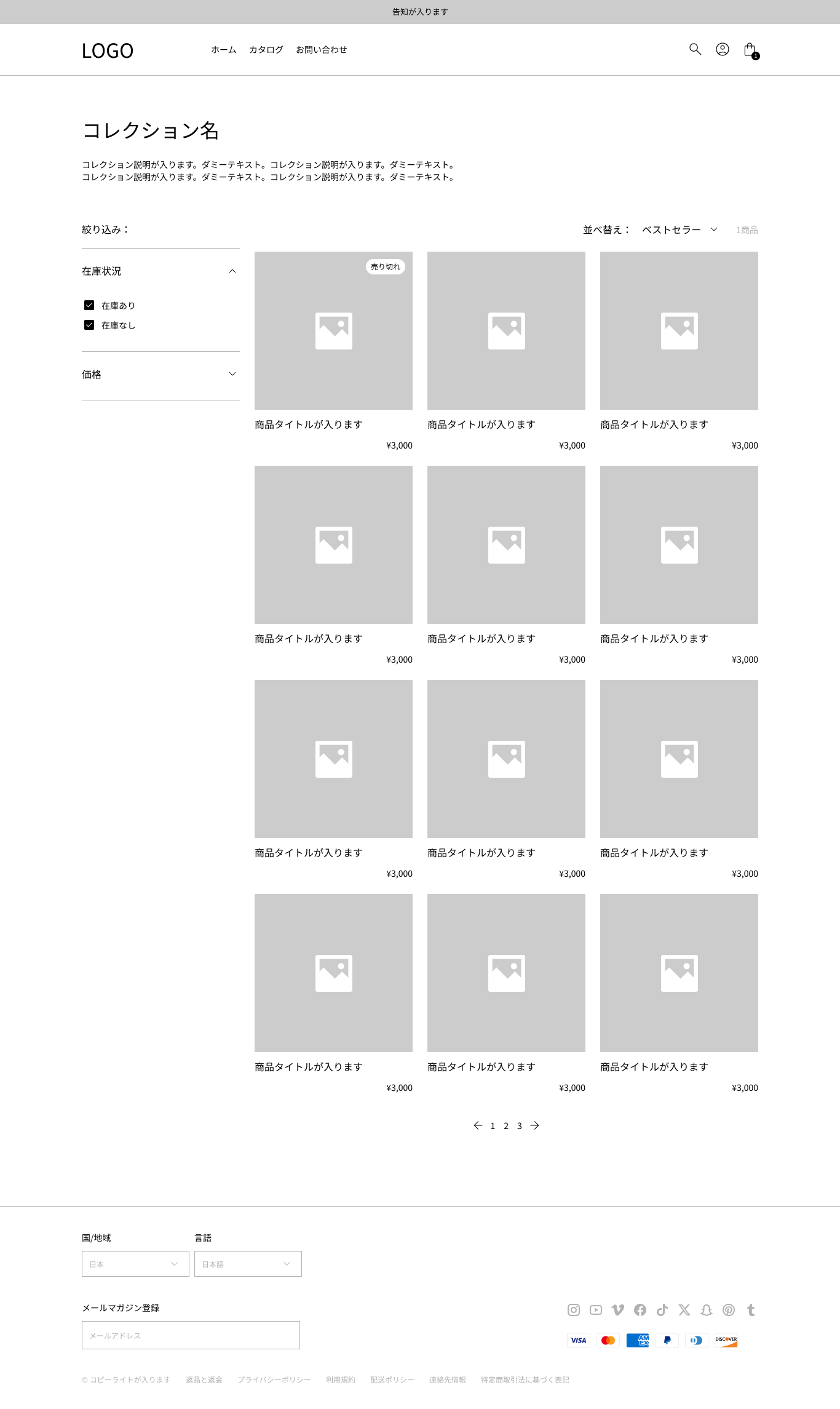
Aoi Collection Name
Collection Description
Collection image
• Filters (availability and price)
• Sorting
The number of products
Product title
vaginal image
commodities price
- Commodity inventory status
pagination
product detail page
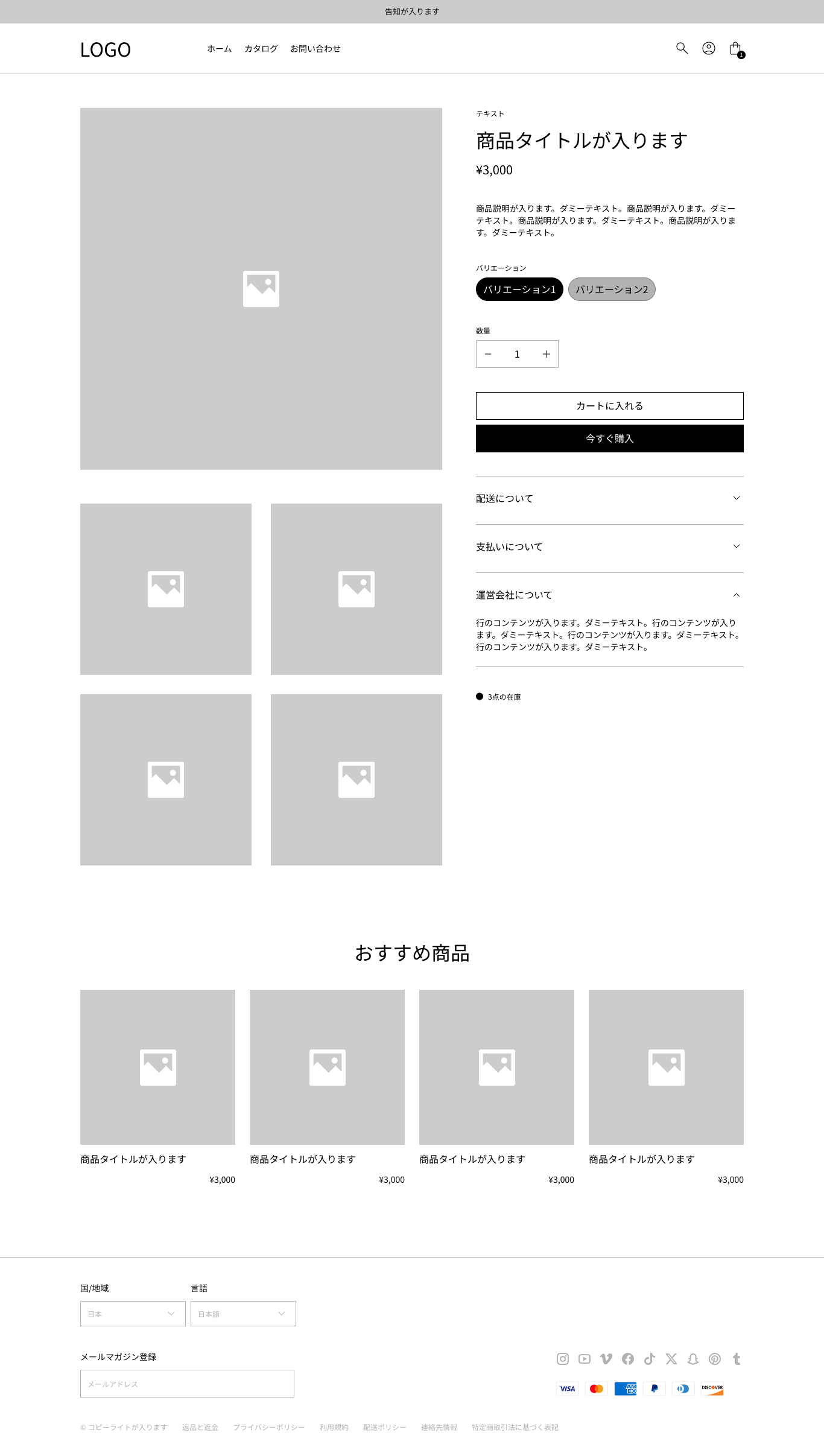
vaginal image
Product image thumbnail
• Vendor
Product title
commodities price
Product description
• Product variant (SKU) selection
• Product quantity
a button to put in the cart
Buy Now button.
- Foldable lines
• Inventory status
Recommended products
cart page
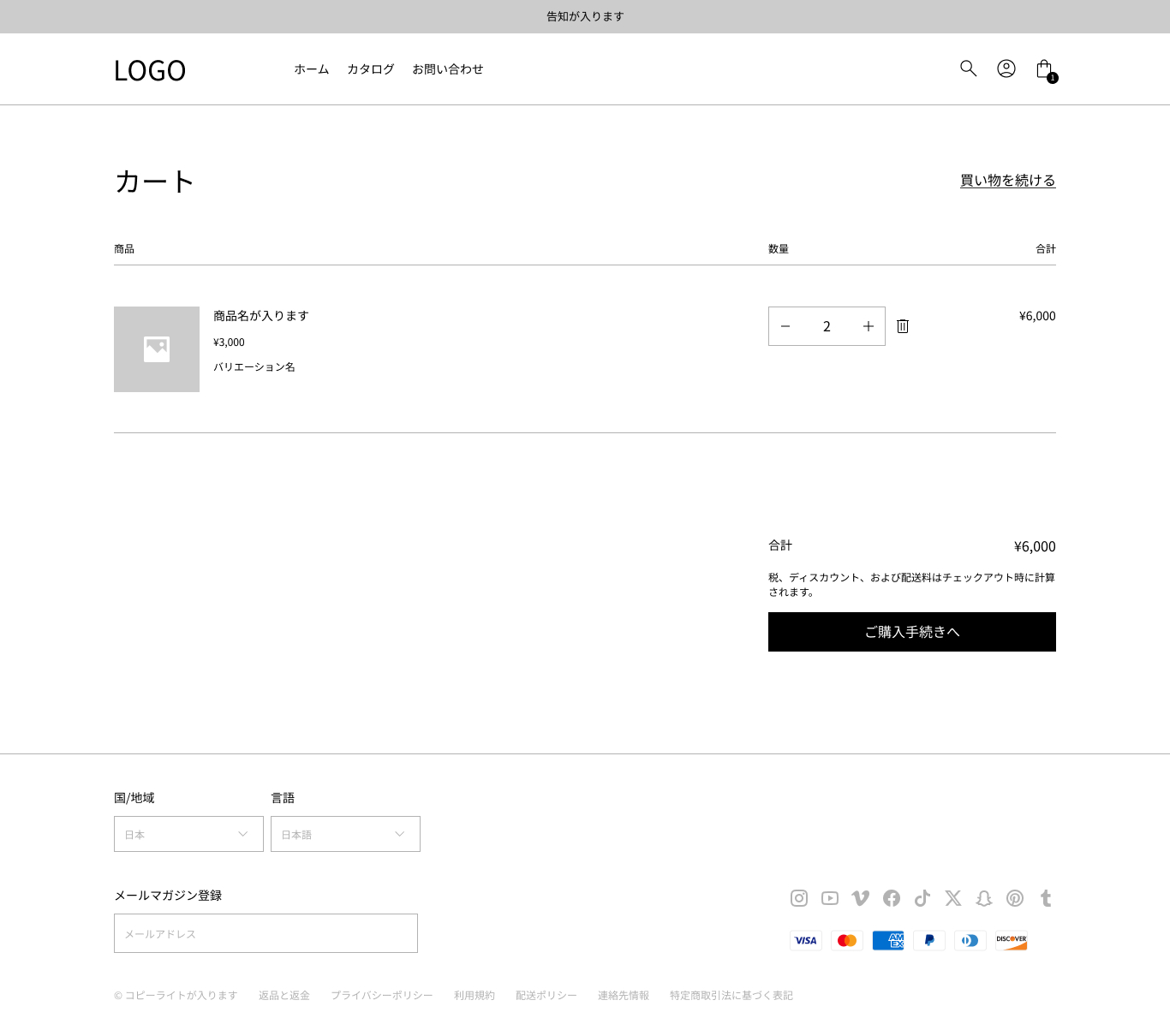
a button to continue shopping
cart item
vaginal image
Product title
Commodity variation (SKU)
Product price (per unit)
product quantity
Total product price (price x quantity per item)
Deletion icon
gross order
• Tax and shipping information
Purchase procedure to button
* Display in slide-in is also possible.
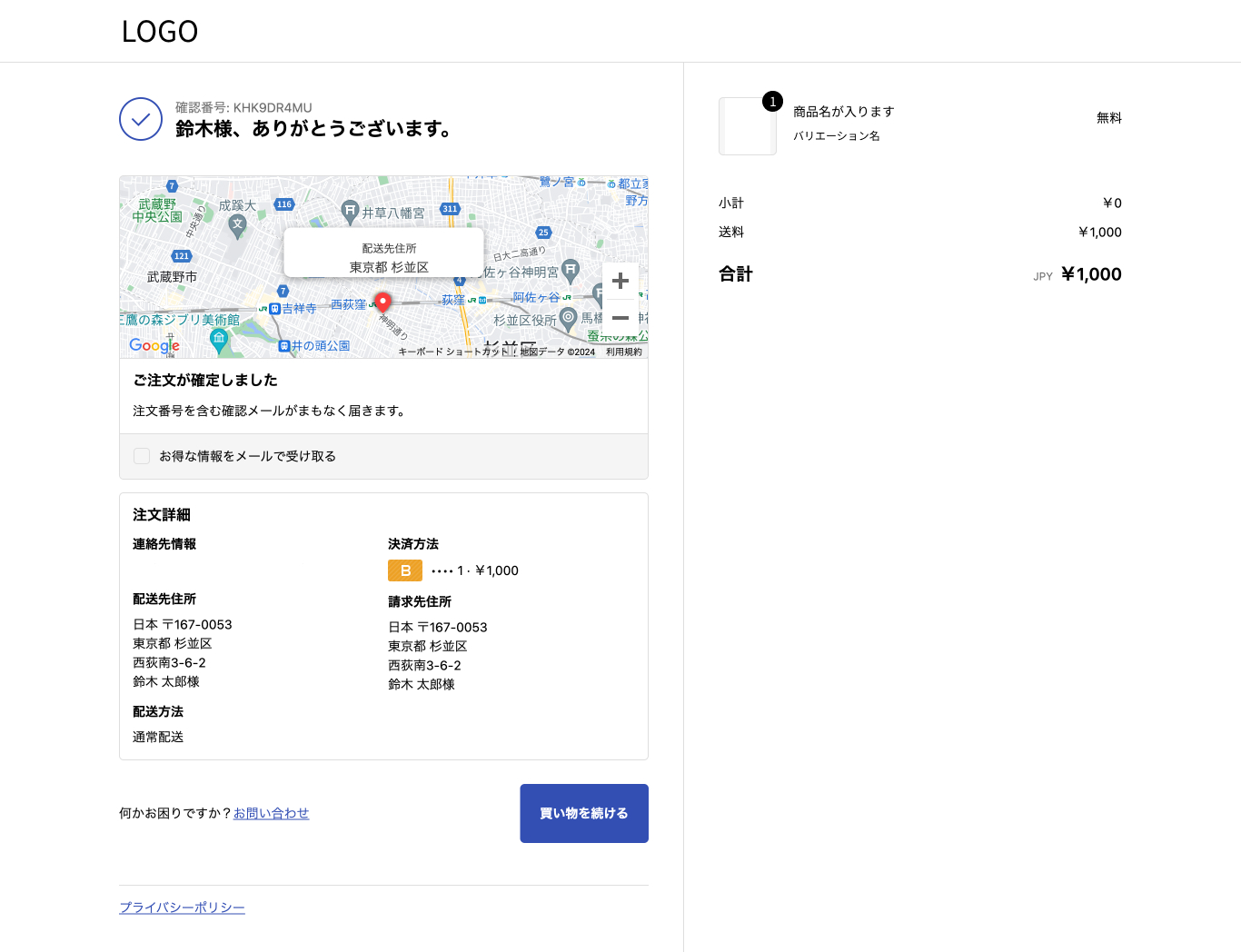
Checkout * Customizable with Shopify Plus plan only
(Check-out screen 1: Enter)
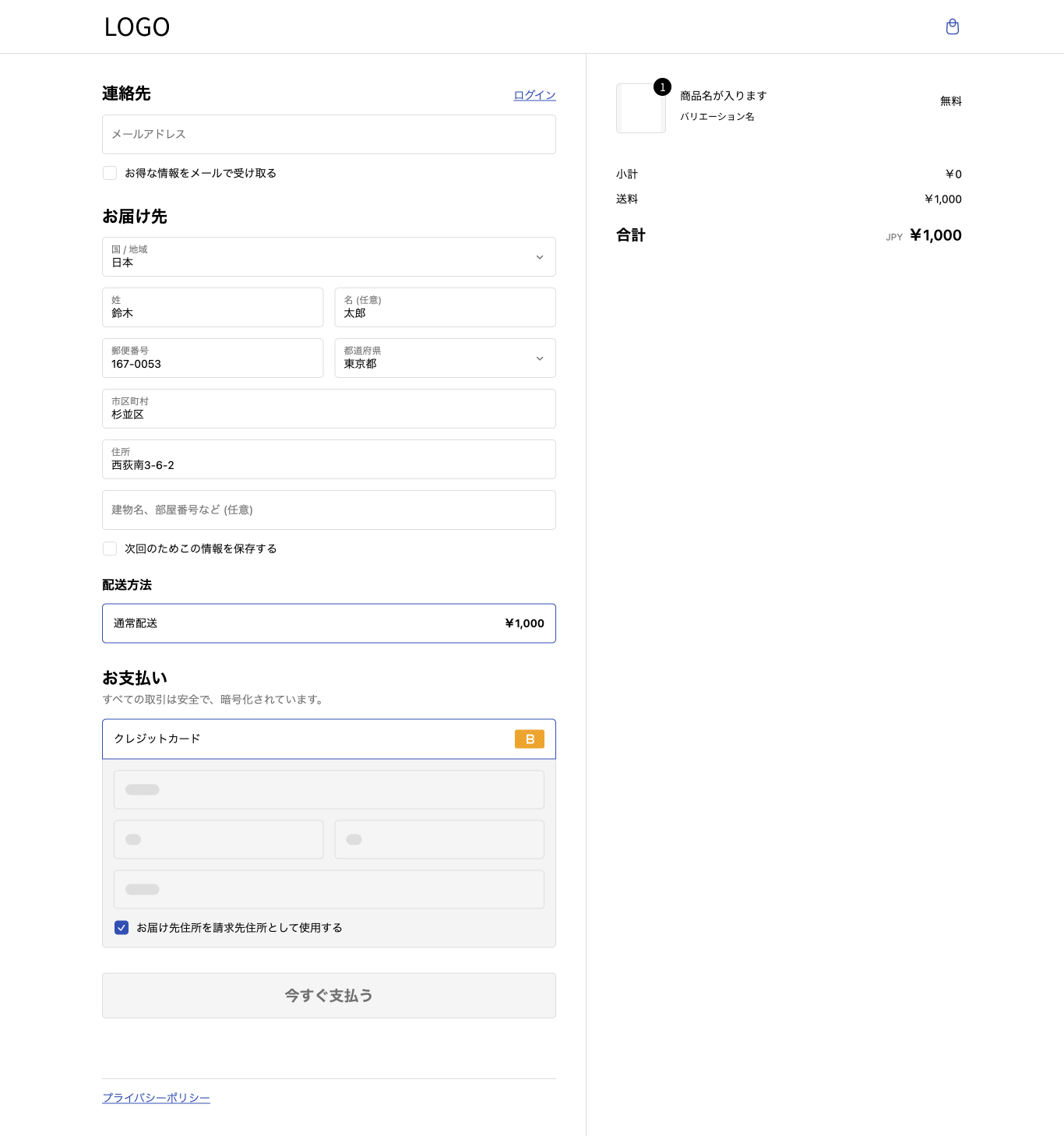
(Checkout screen 2: Completed)
blog
blog post list page
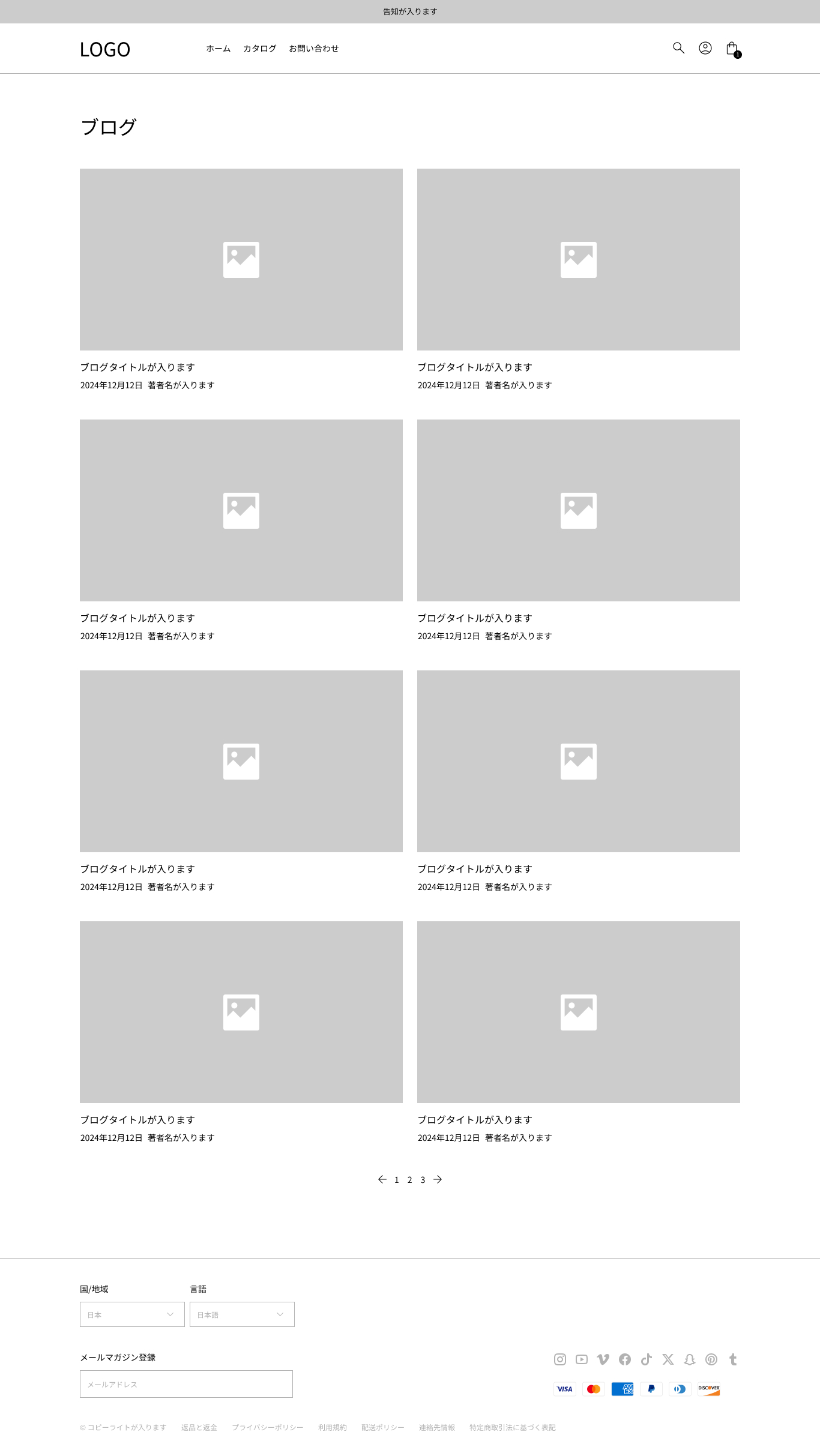
Blog post title
blog post thumbnail
The date and time of the blog post
blog post by the author
pagination
individual blog post page
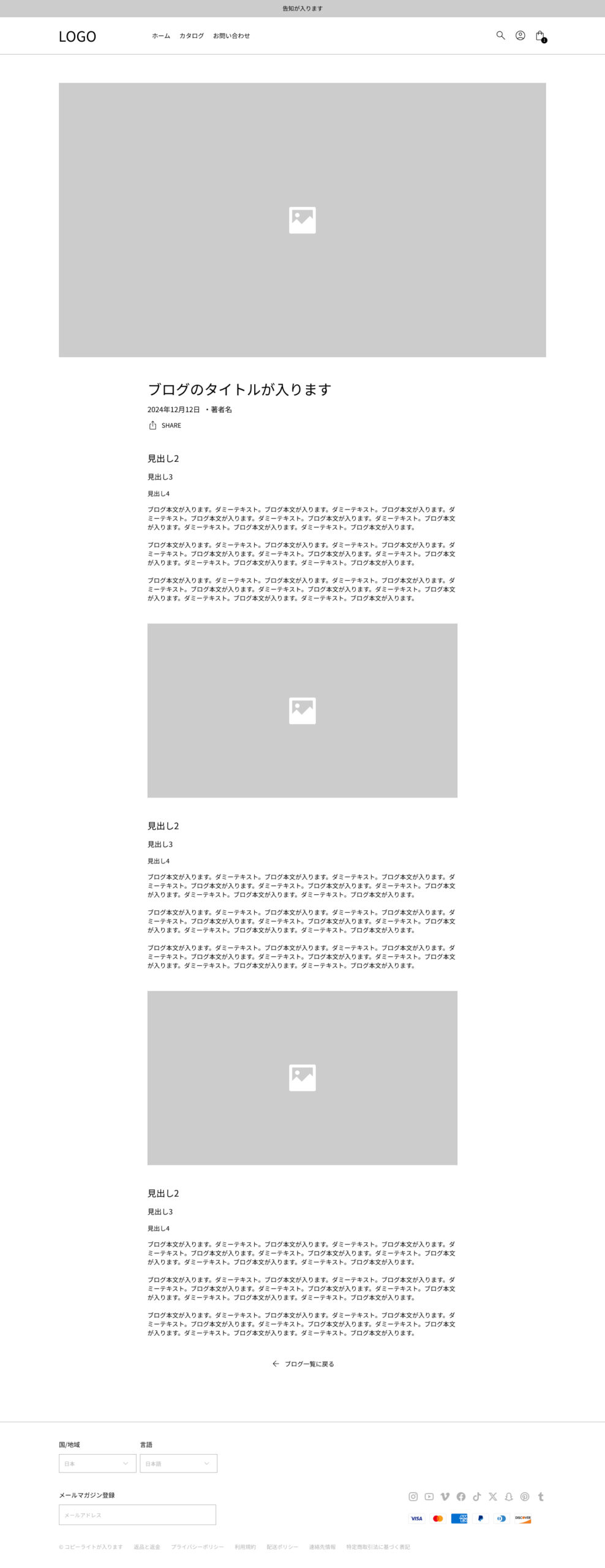
blog post thumbnail
Blog post title
The body of the blog post
The date and time of the blog post
blog post by the author
Back to the blog list.
fixed page
page
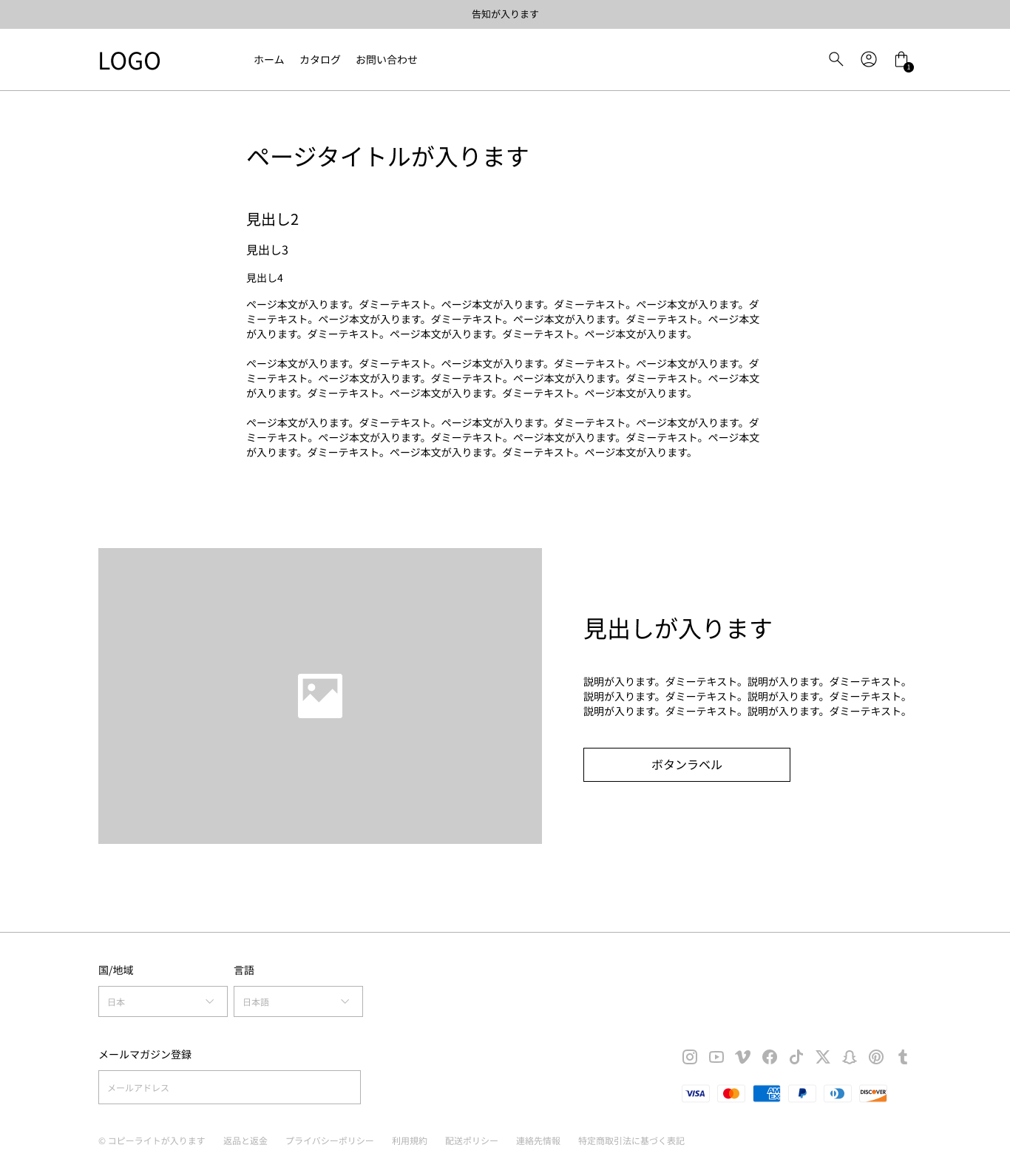
The section can be added as well as the homepage.
Content can be posted as well as blog details pages
Contact us
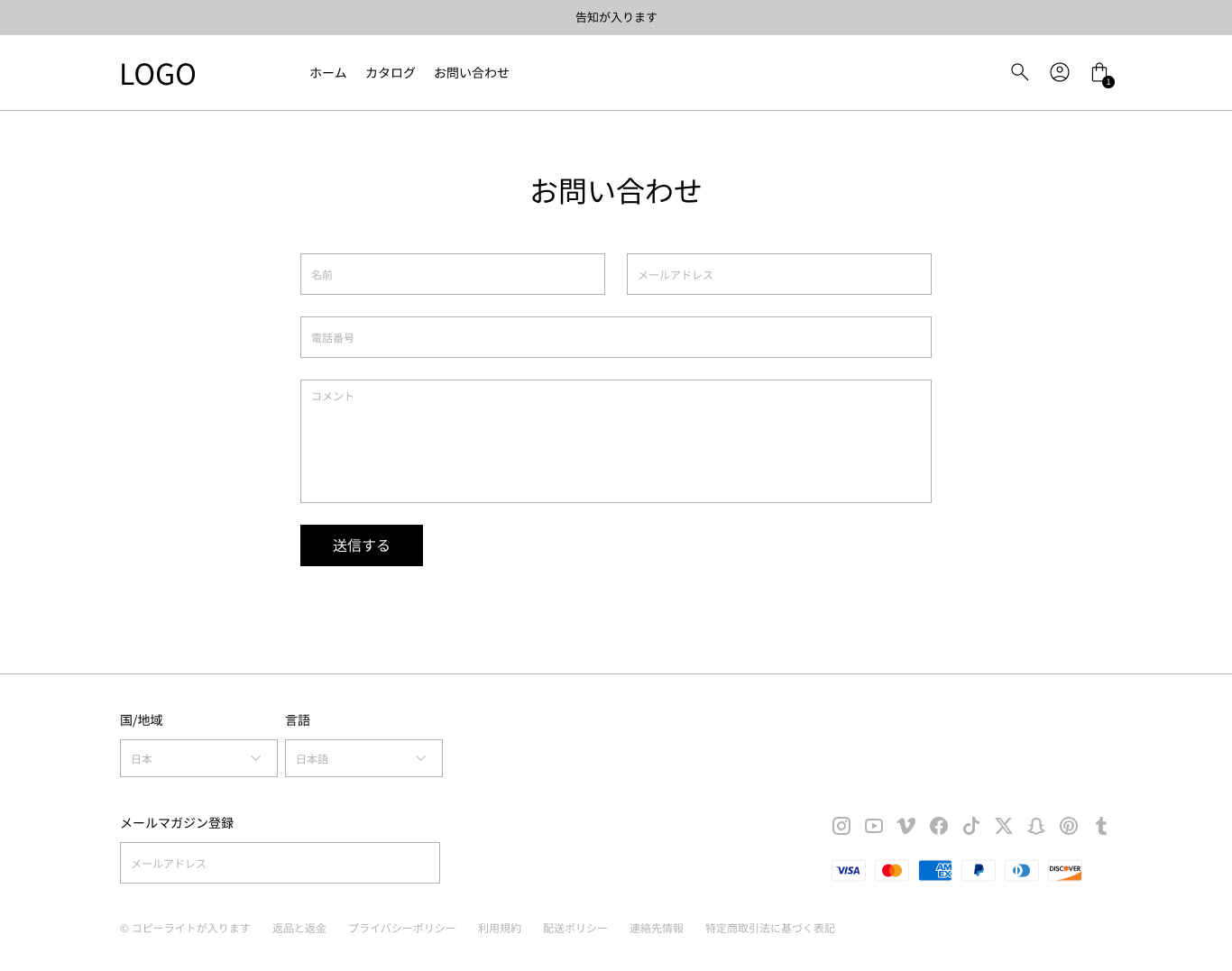
Input form: name, email address, phone number and comments
vaginal transmission button
search
search result page
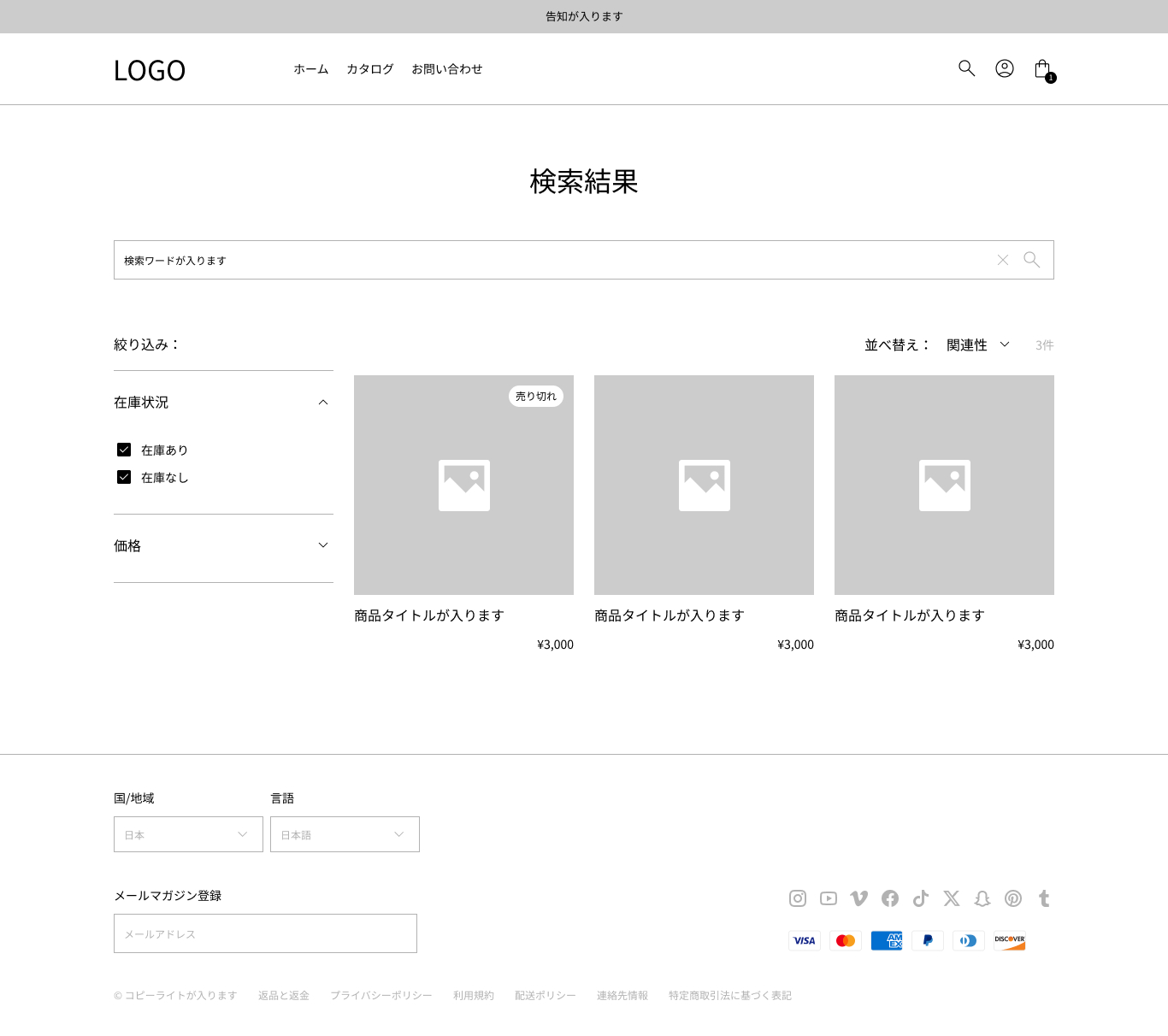
Search column
• Filters (availability and price)
• Sorting
Products or blog or page title
Commodity or Blog or Page Product Image
Commodity price
- Commodity inventory status
pagination
404
page 404.
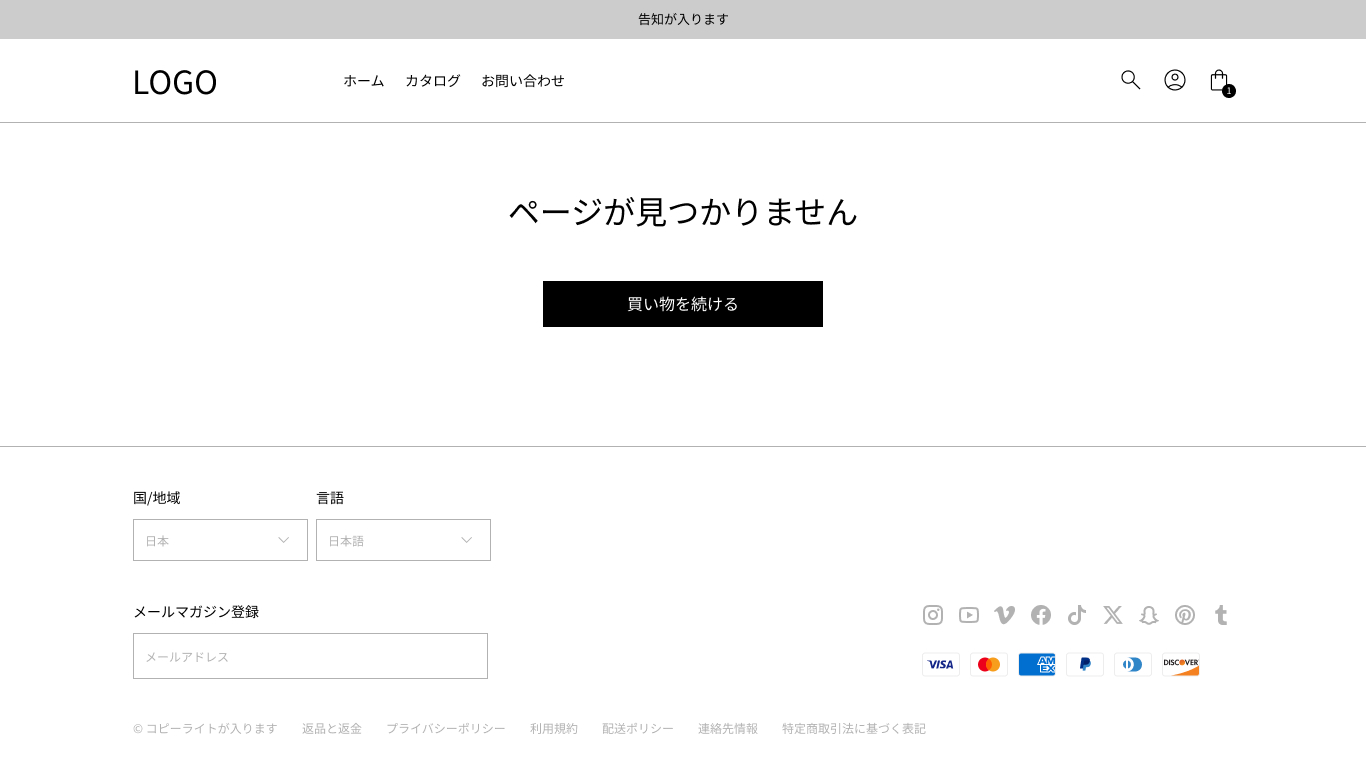
transition button
password protection
front page for password protection
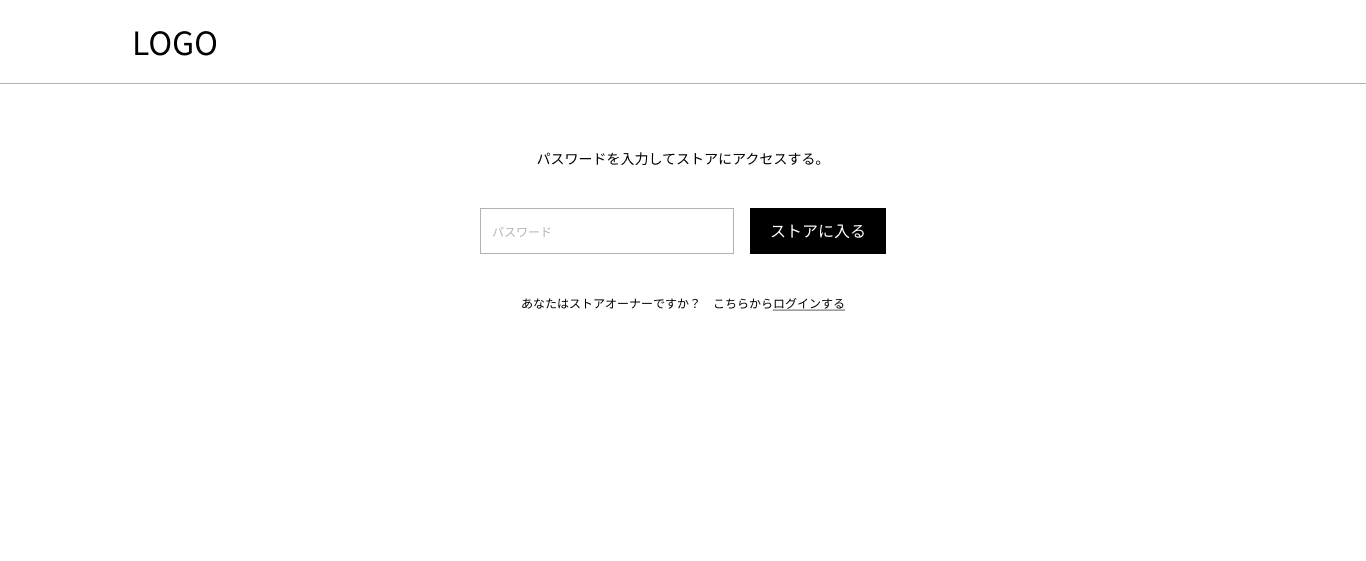
Password entry form
vaginal transmission button
The store owner’s login button
Account * Conventional account page
* New account" that can be logged in with email address authentication is not customizable, but you can change color etc. here
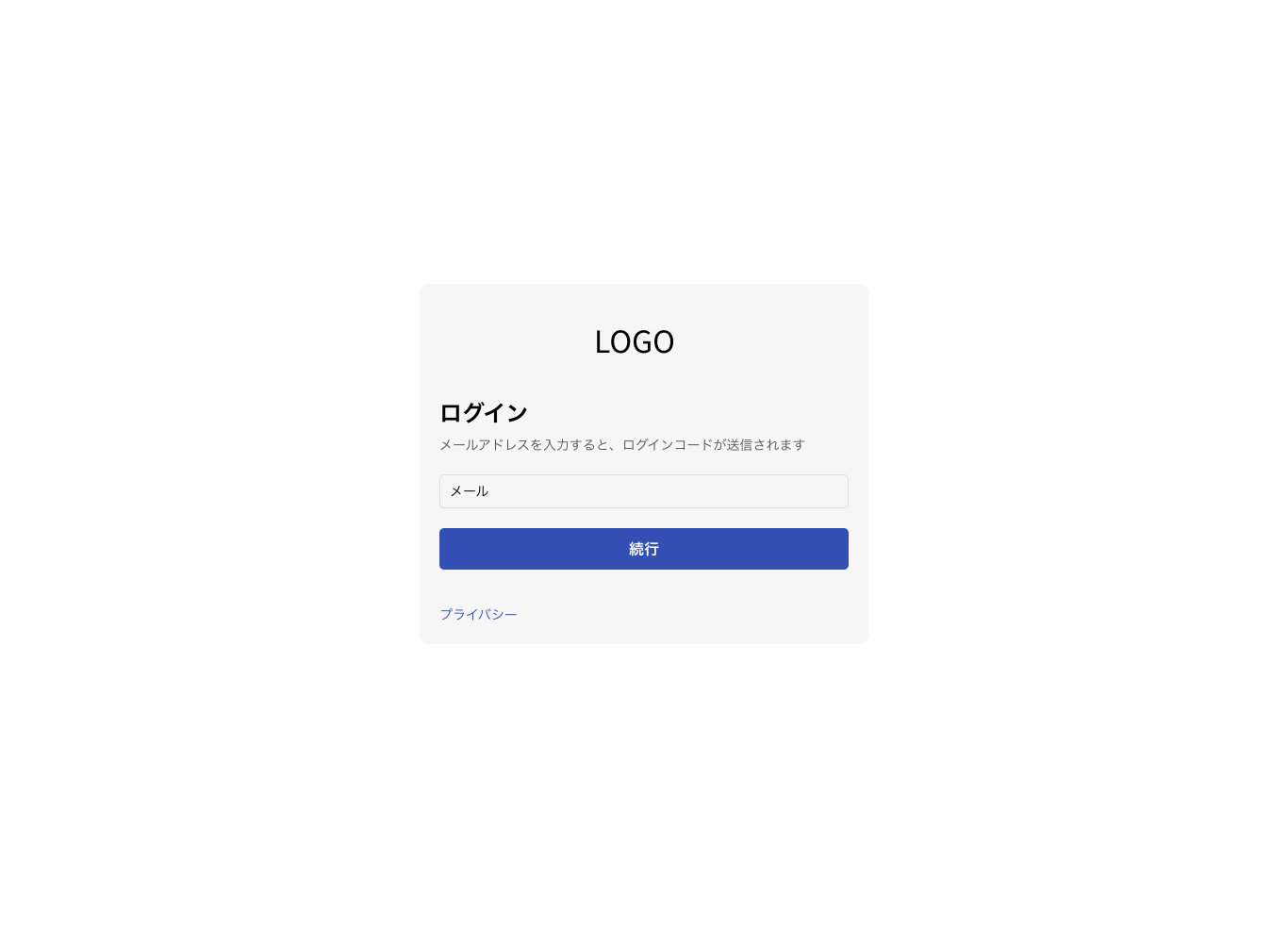
account login page
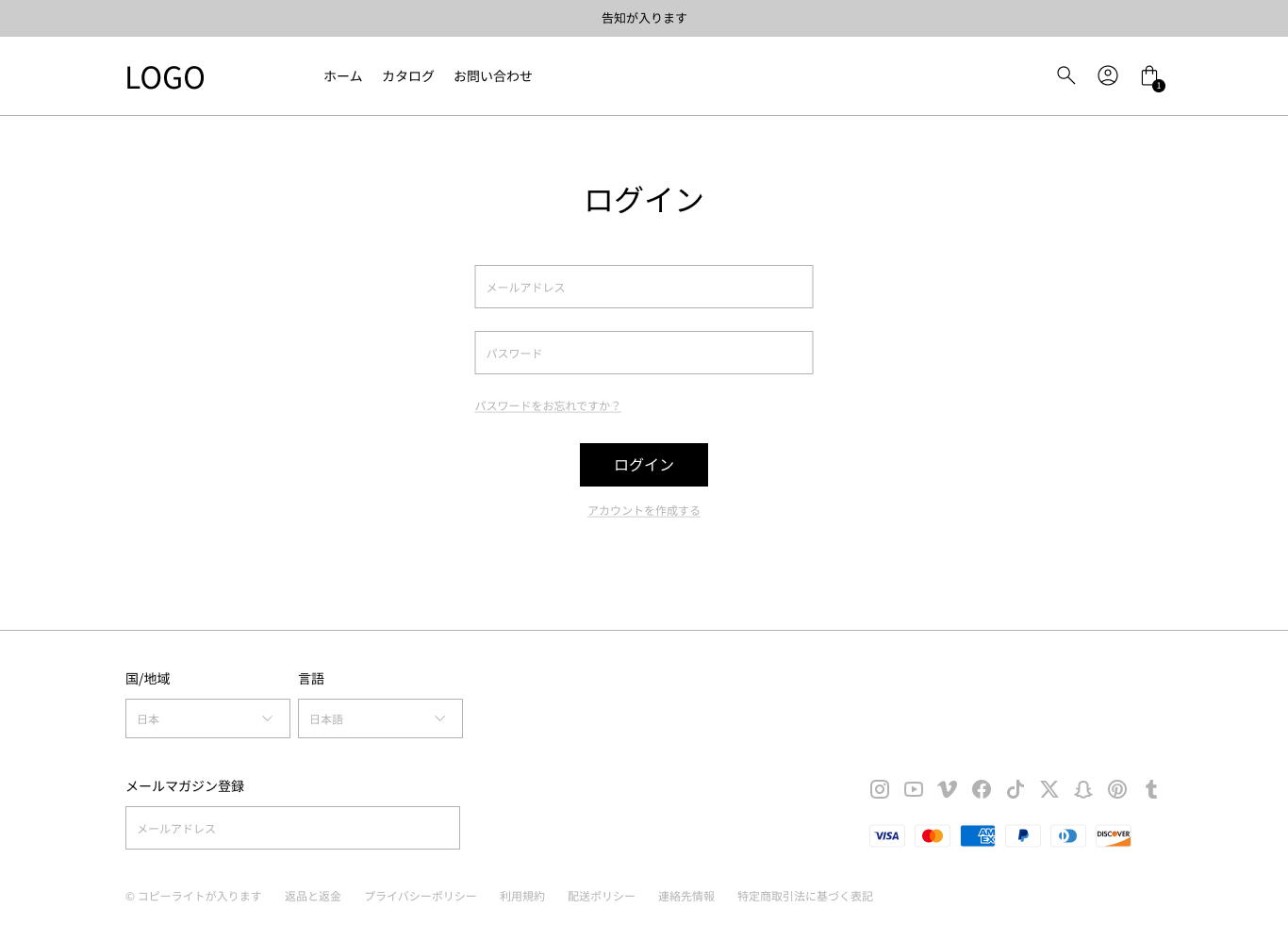
E-mail address field
Password entry field
Login button
Password Loss Button
Account creation button
Account Login Page: Reset Password
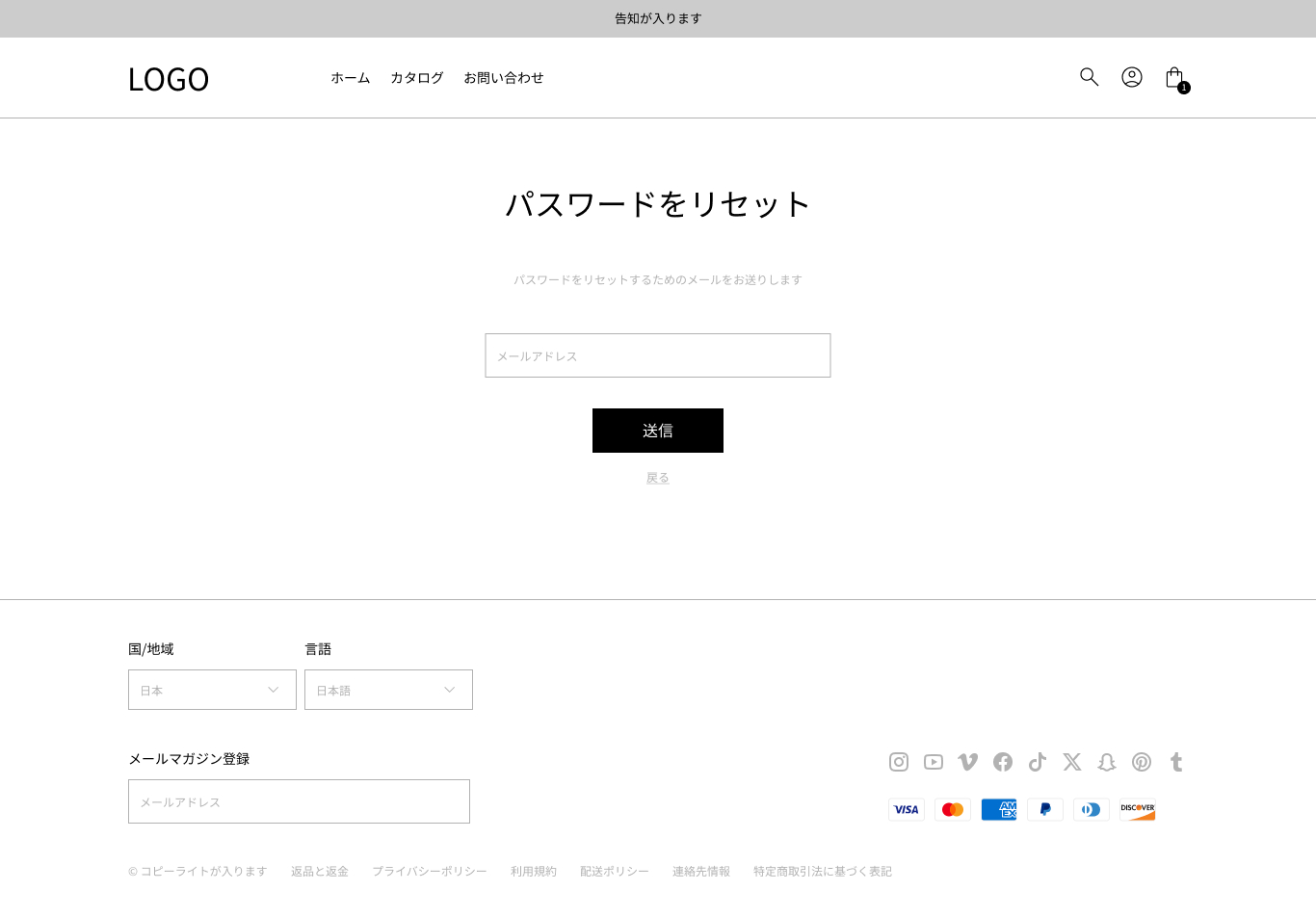
E-mail address field
vaginal transmission button
back button
account password reissue page
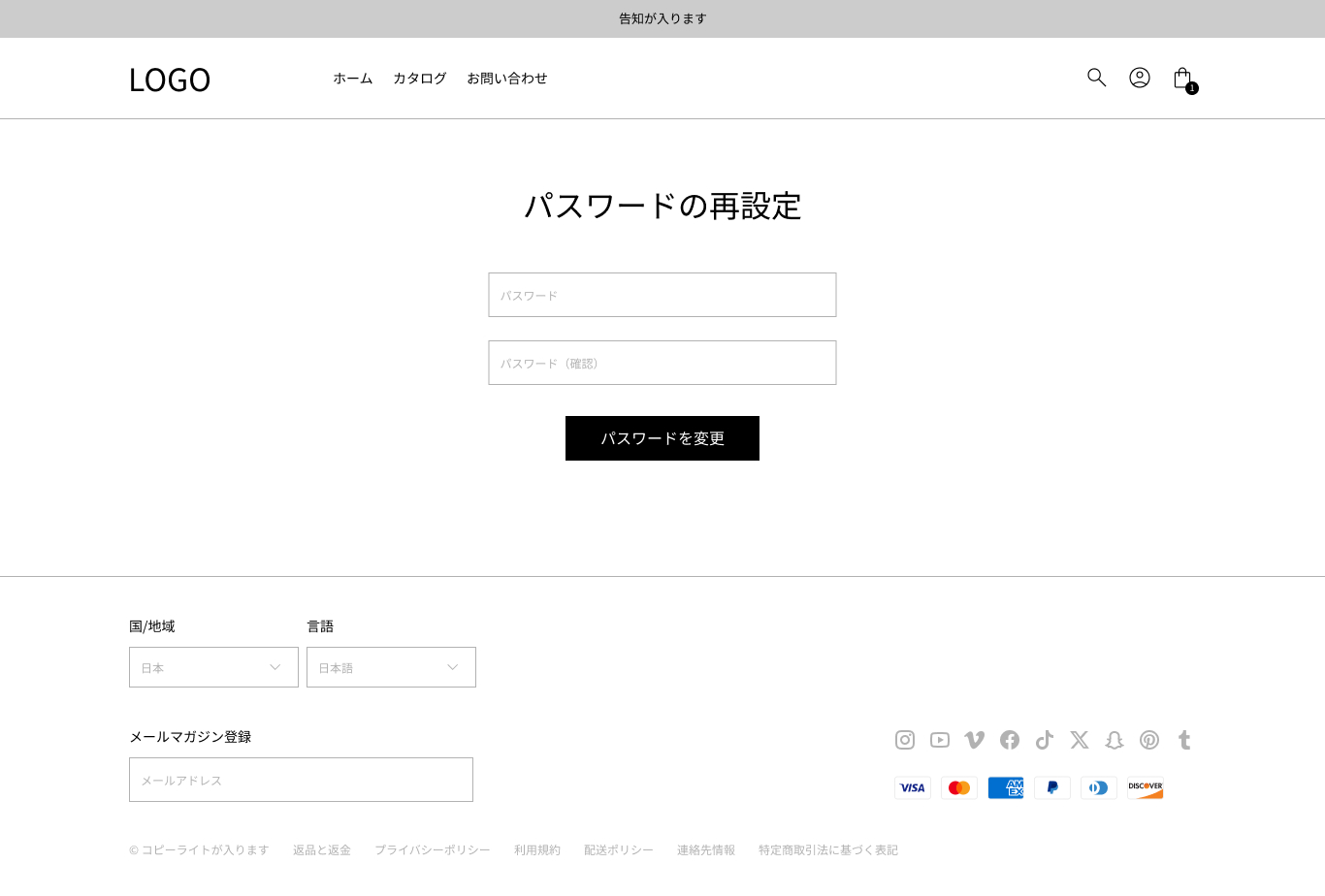
New password entry field
New password confirmation field
Change Password button
account creation page
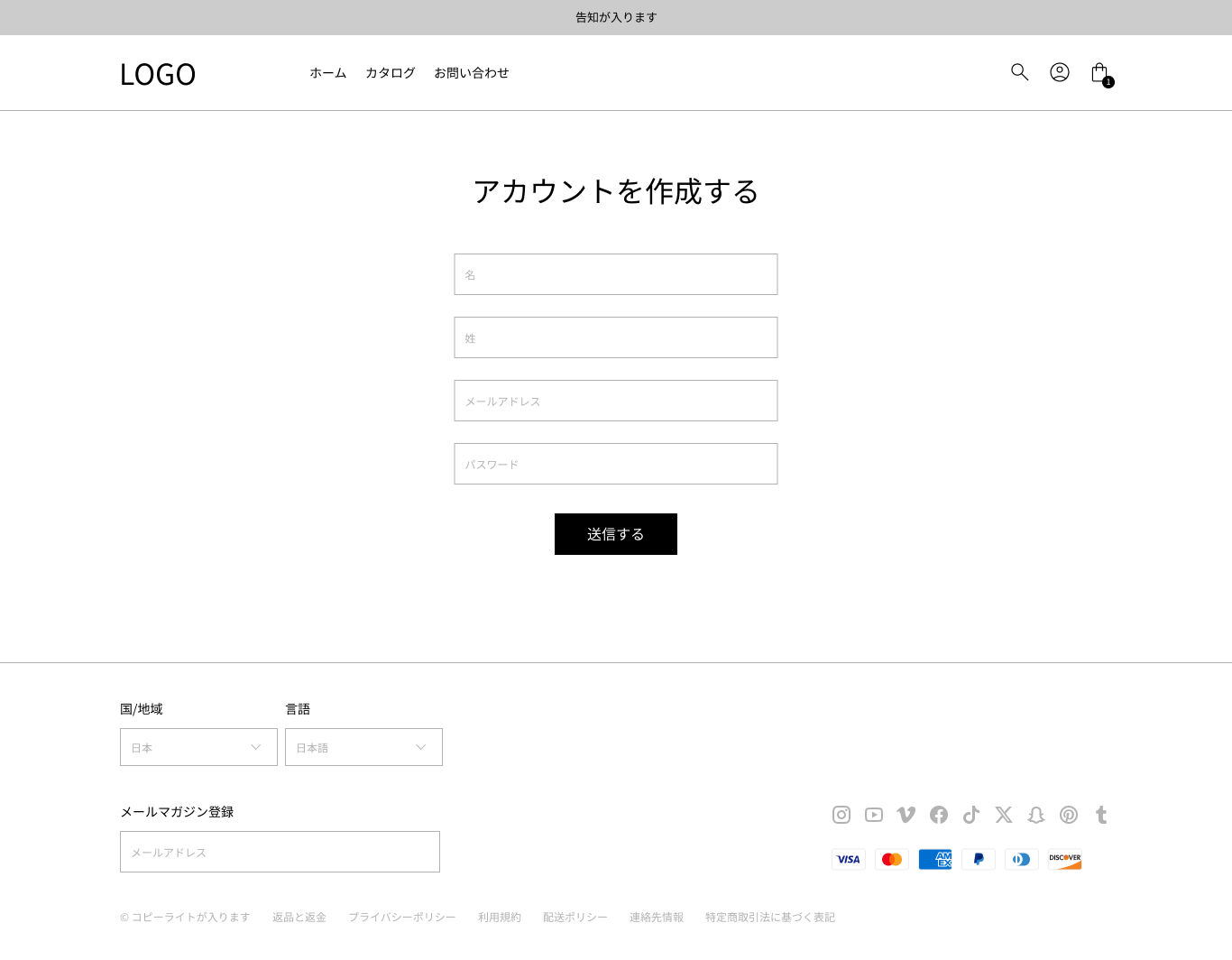
Input field for the name of a surname
E-mail address field
Password entry field
vaginal transmission button
account details page
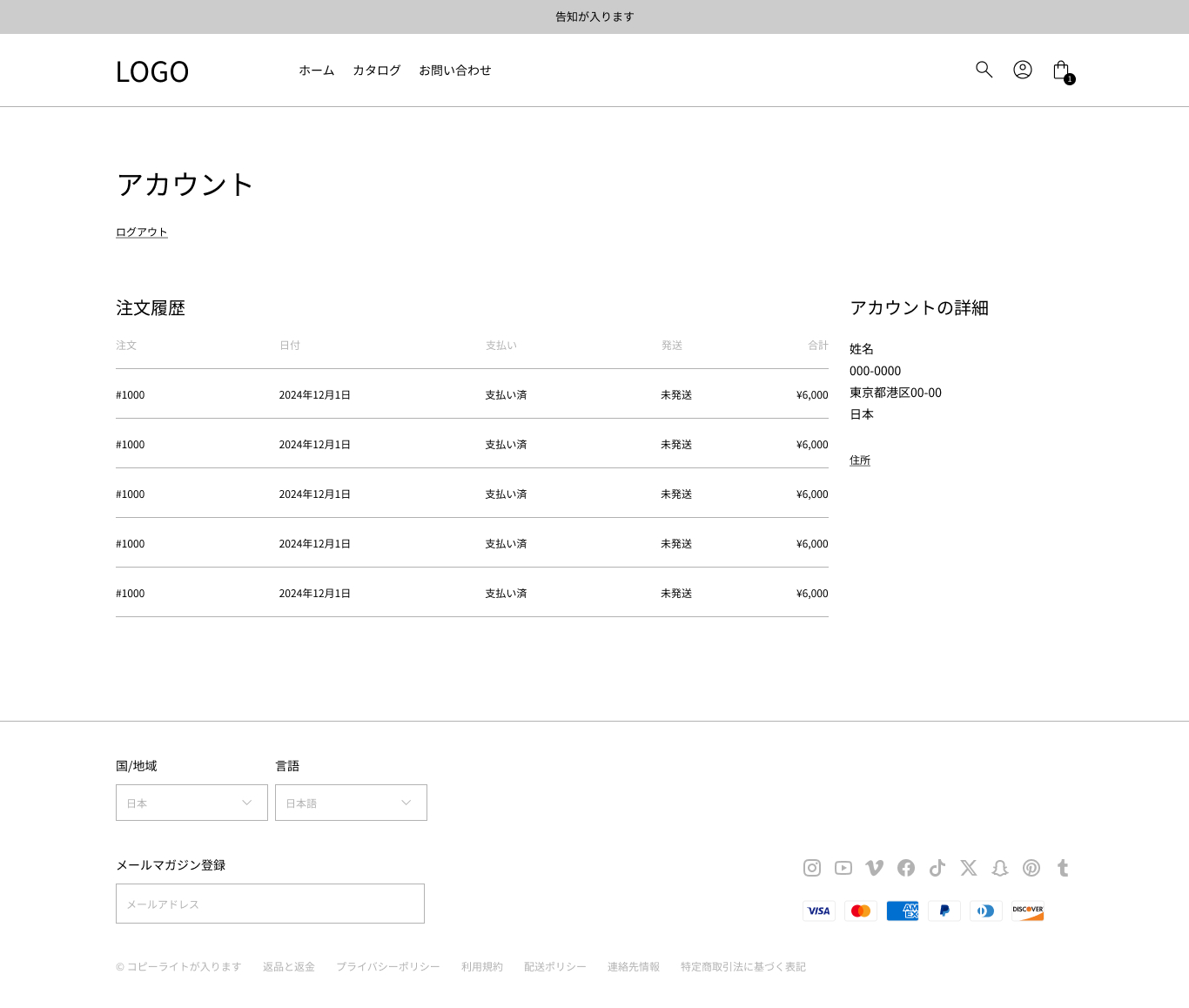
Order history: order number, order date, payment status, shipping status and order price
The contact information of the account: surname, address and name
Conduction to the list of address
vaginal logout link
account order details page
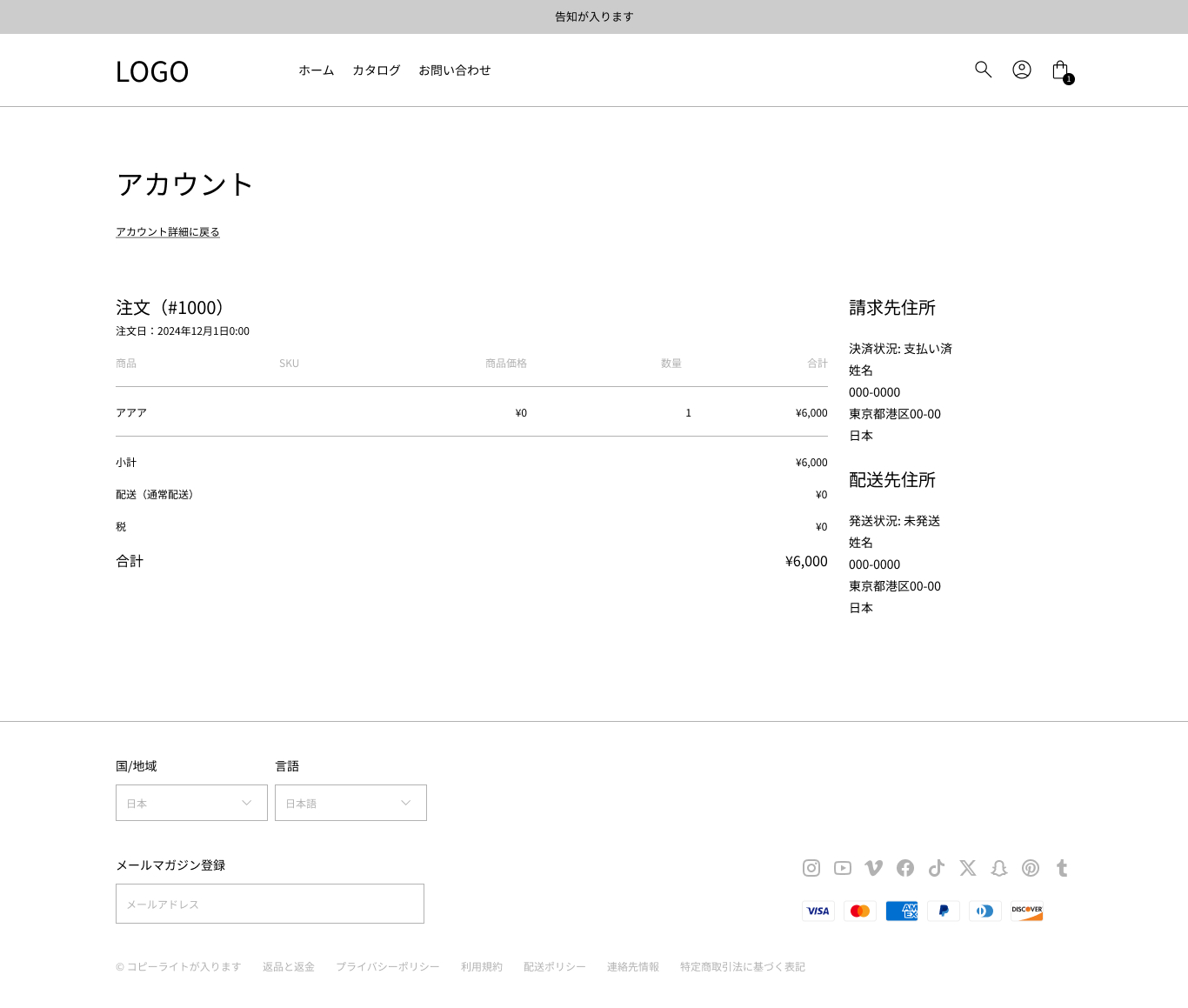
vaginal order number
date of order
Order content: product name, SKU, commodity price, number of orders, subsume, shipping fee, tax and total.
Shipping address: Shipping status, family name and address
Invoice address: settlement status, family name and address
account address page
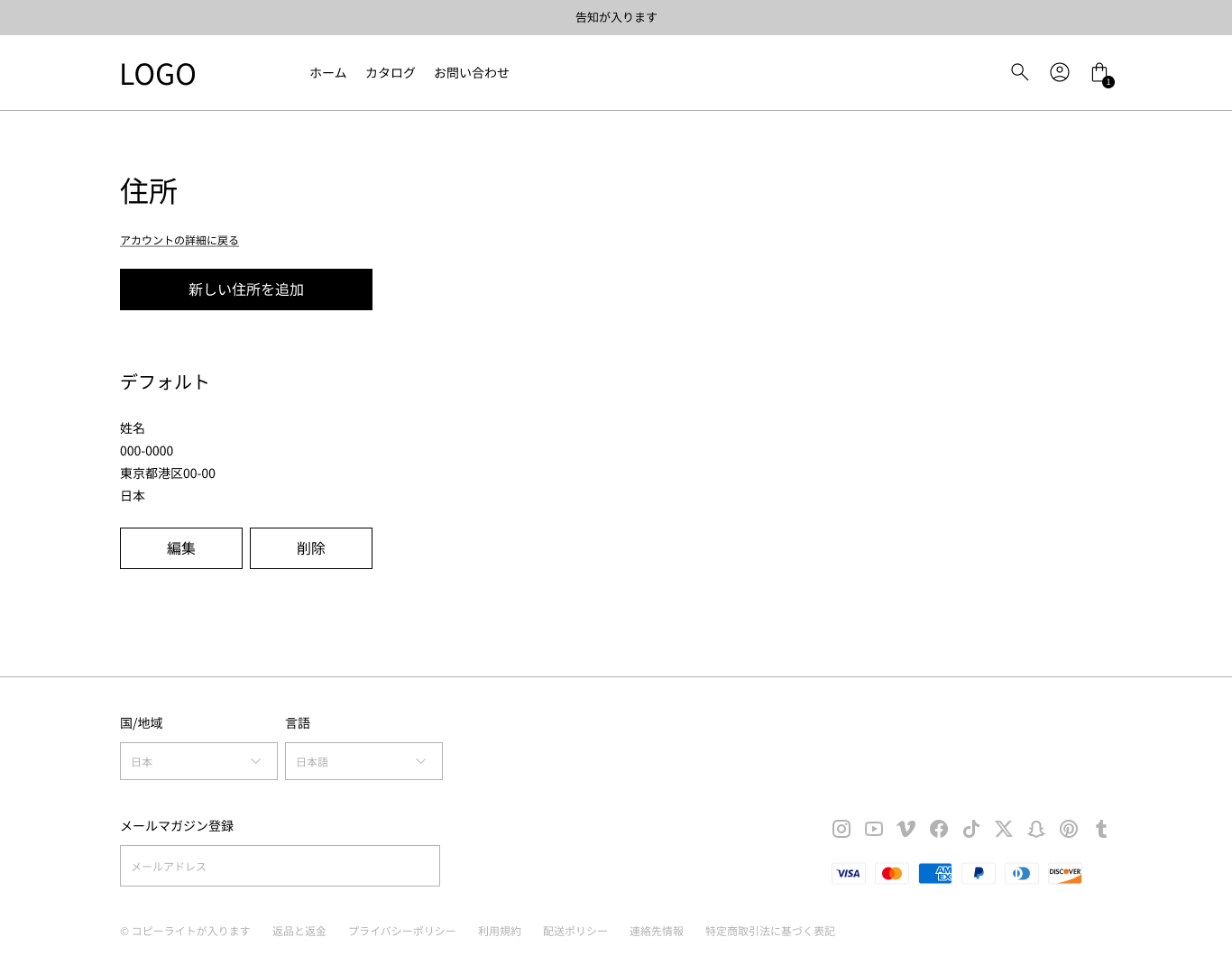
Conduction to the account page
New Address Add Button: Registration Form, Default Address Setting Checkbox and Cancel button
Contact information: family name, address, edit button and delete button
If you have any feedback or suggestions for improvement, please send it to Twitter and the following comment form!
It will be used as a reference for future updates.
Note: Shopify’s official theme template description
https://help.shopify.com/en/themes/development/templates