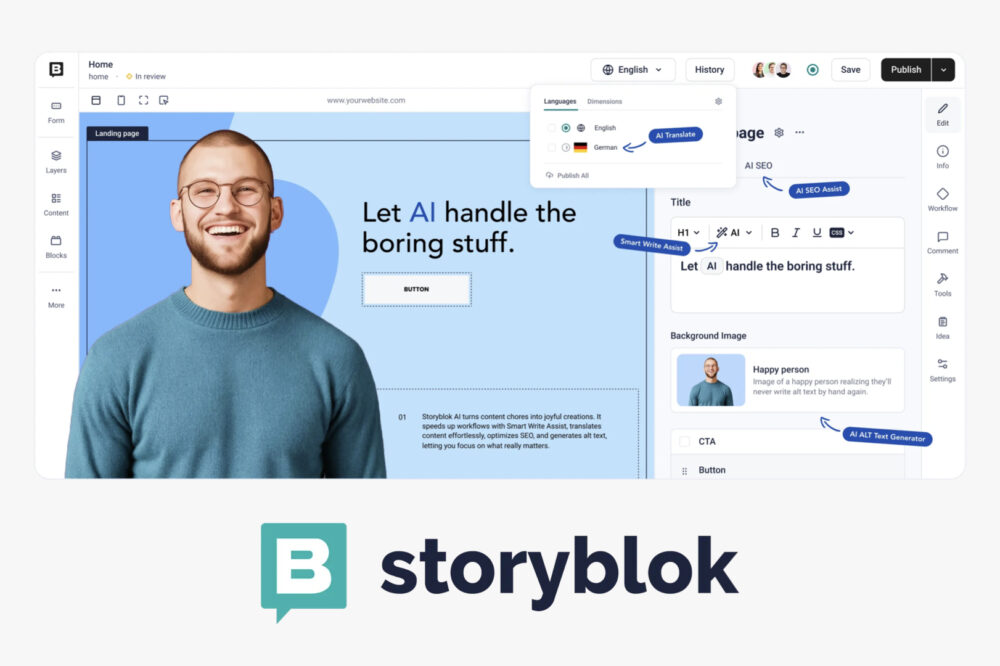
An introduction to Storyblok: A headless CMS with rich features for marketers, used by global companies including Netflix

In recent years, “headless CMS” has attracted attention as an option for website content management systems (CMS). Storyblok It is attracting attention as a CMS that balances ease of use like no-code tools and extensibility of customization.
In this article, we will explain the basic features of Storyblok, the benefits of adoption and how to use it specifically. It is a must-see for those considering switching from WordPress or integrating with Shopify.
YouTube Please also take a look.
Contents [ hidden display ]
What is Headless CMS?
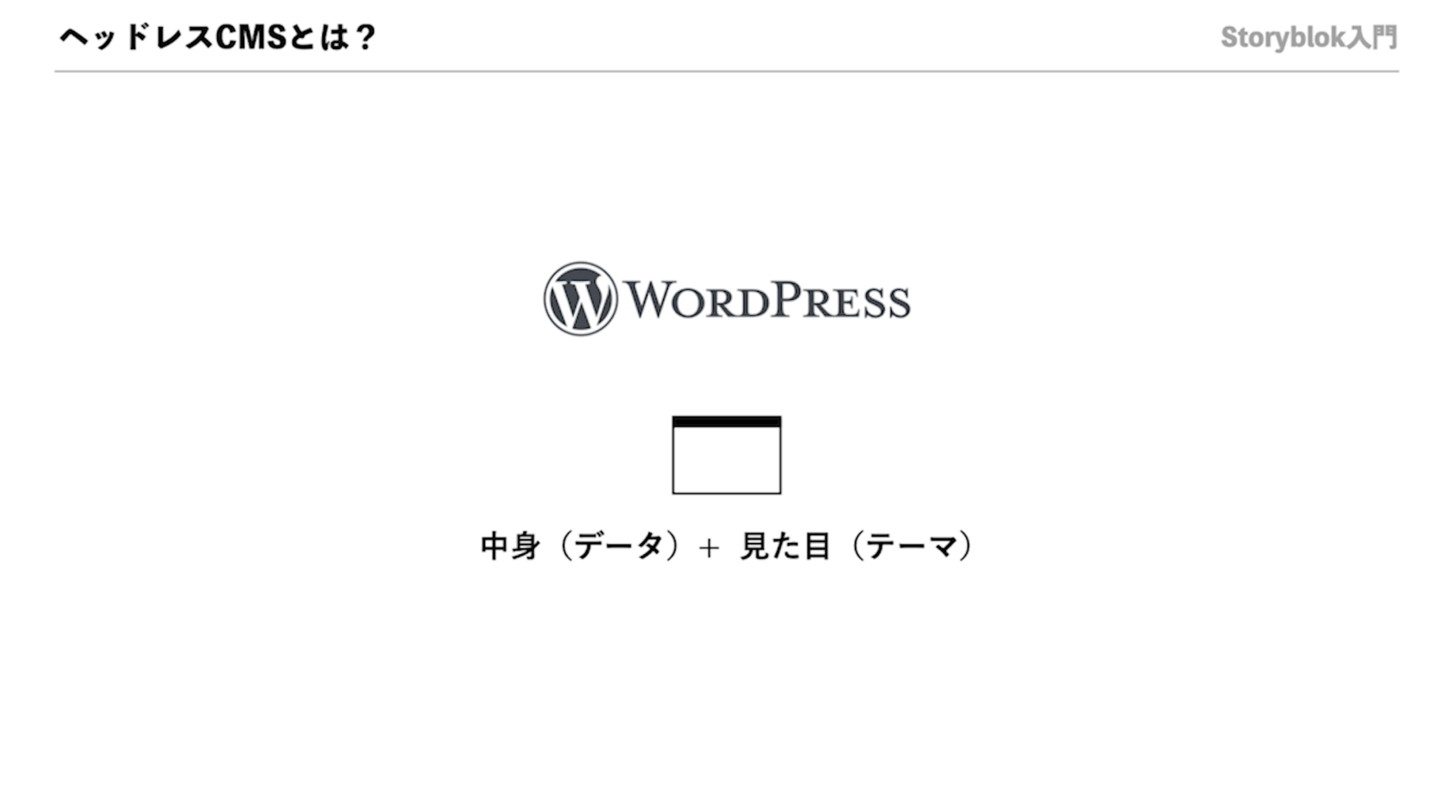
As a comparison object of headless CMS, traditional WordPress has “content (data)” and “appearance (theme)”.
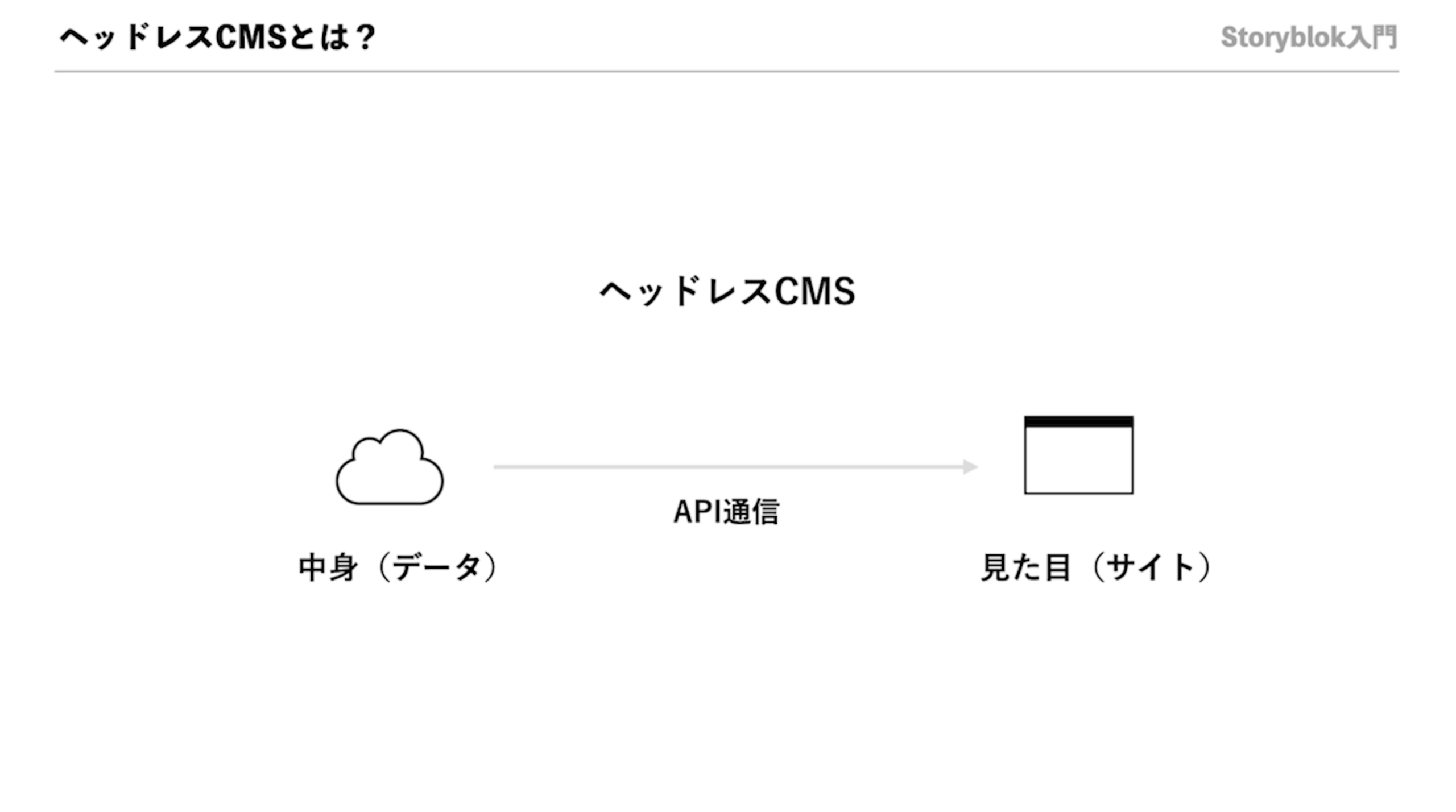
On the other hand, Headless CMS entrusts "content" to the cloud and the website (= appearance) side acquires that data via an API and displays it.
Benefits From WordPress
- High speed: Faster display because cache is effective, better user experience improves CVR and positive impact on SEO evaluation.
- No maintenance required: Security is maintained by the service provider, which can significantly reduce server maintenance man-hours and costs.
- Reusability: Combining components to form a page allows for flexible editing, allowing operations people to create and edit pages in the visual editor without having to be designers or engineers.
- Hydrogen integration: Headless EC construction with Shopify is also supported.
In other words, it is possible to create a site that is fast, safe, flexible and low in maintenance costs.
What is Storyblok?
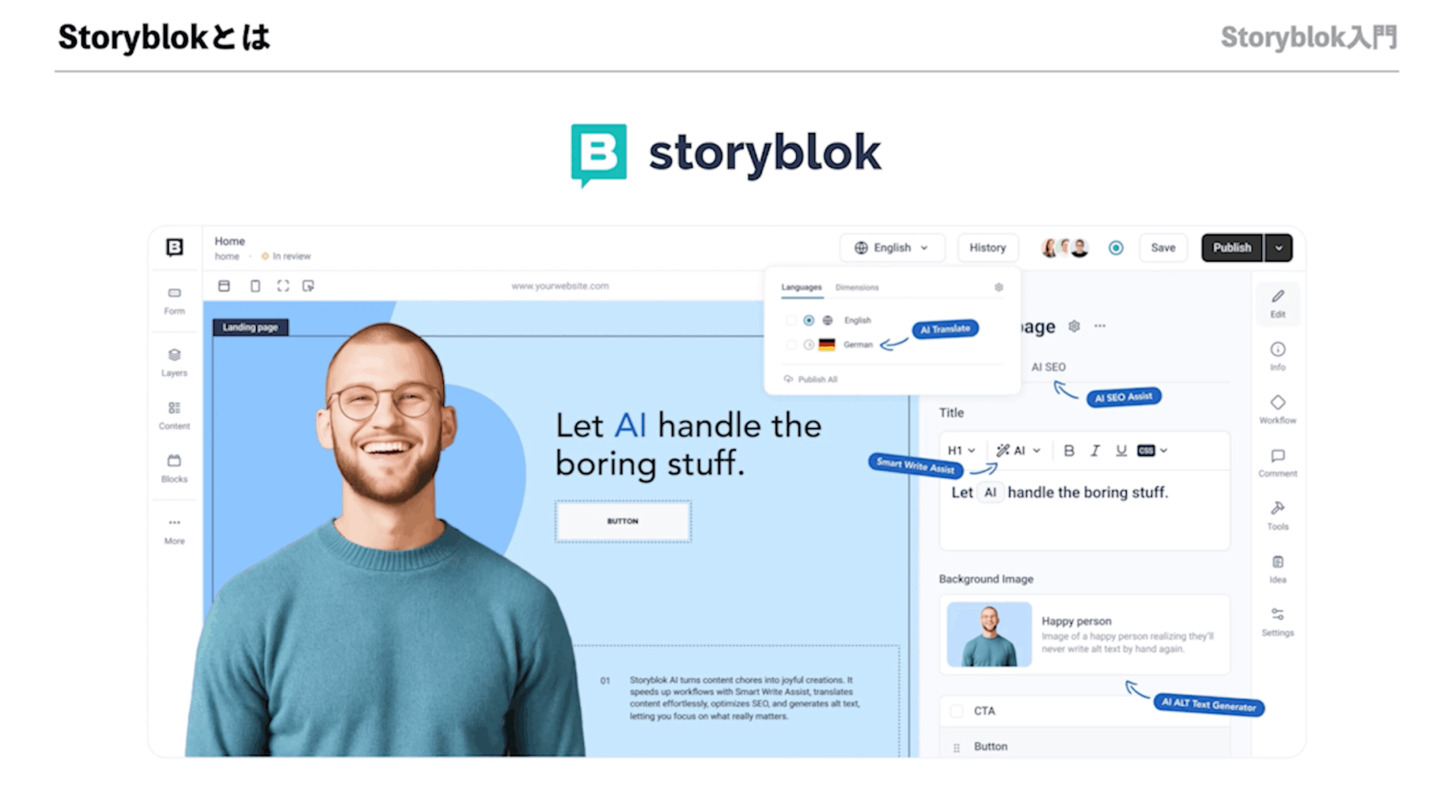
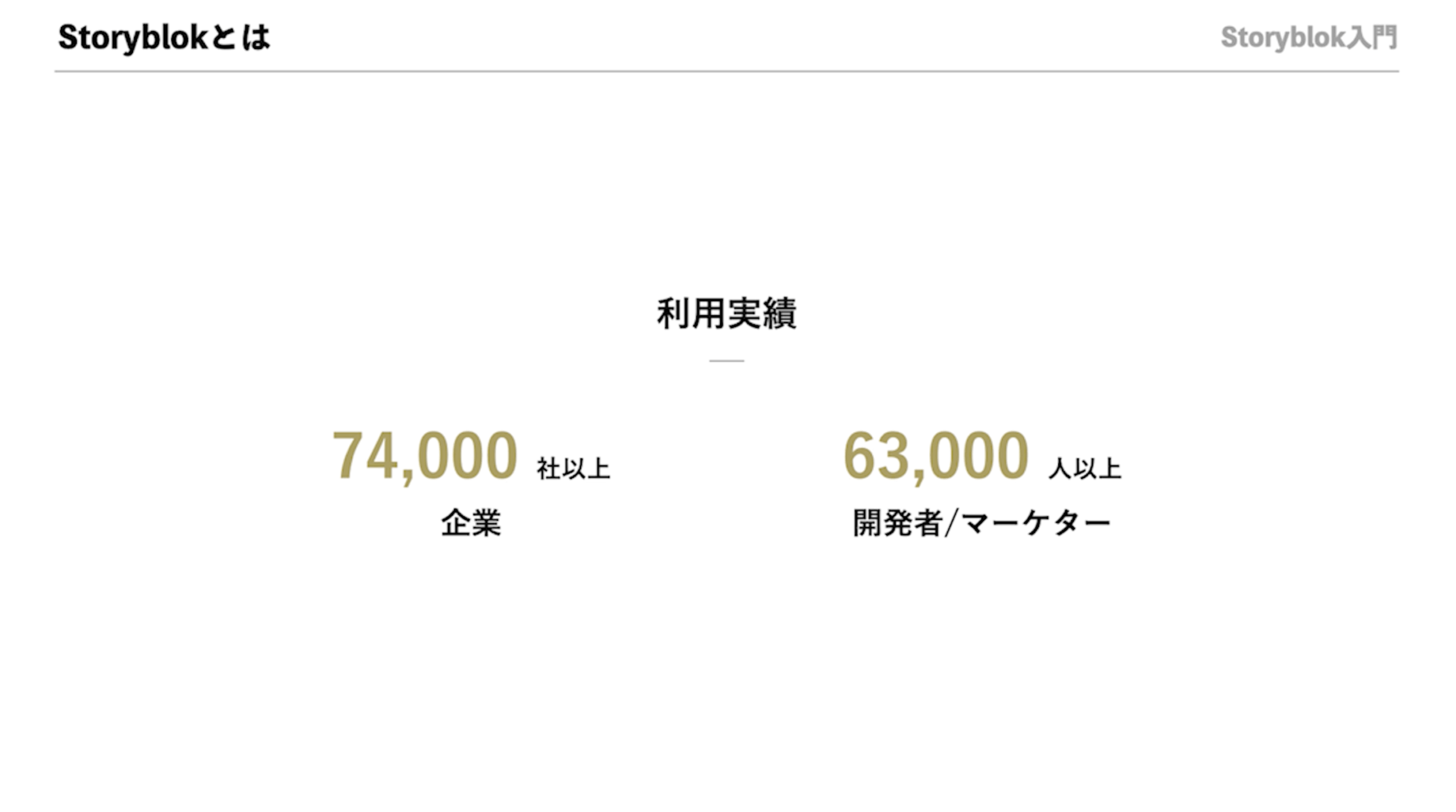
Storyblok is a headless CMS from Austria that has been introduced by more than 74,000 companies around the world, including leading companies such as Adidas, Tesla and Netflix.
One particular characteristic is the presence of a "visual editor" that can be intuitively manipulated to build pages with no code feel.
Key Features of Storyblok
- Visual Editor: Drag and drop the parts to display a preview in real time, allowing you to create pages while looking at their completed form.
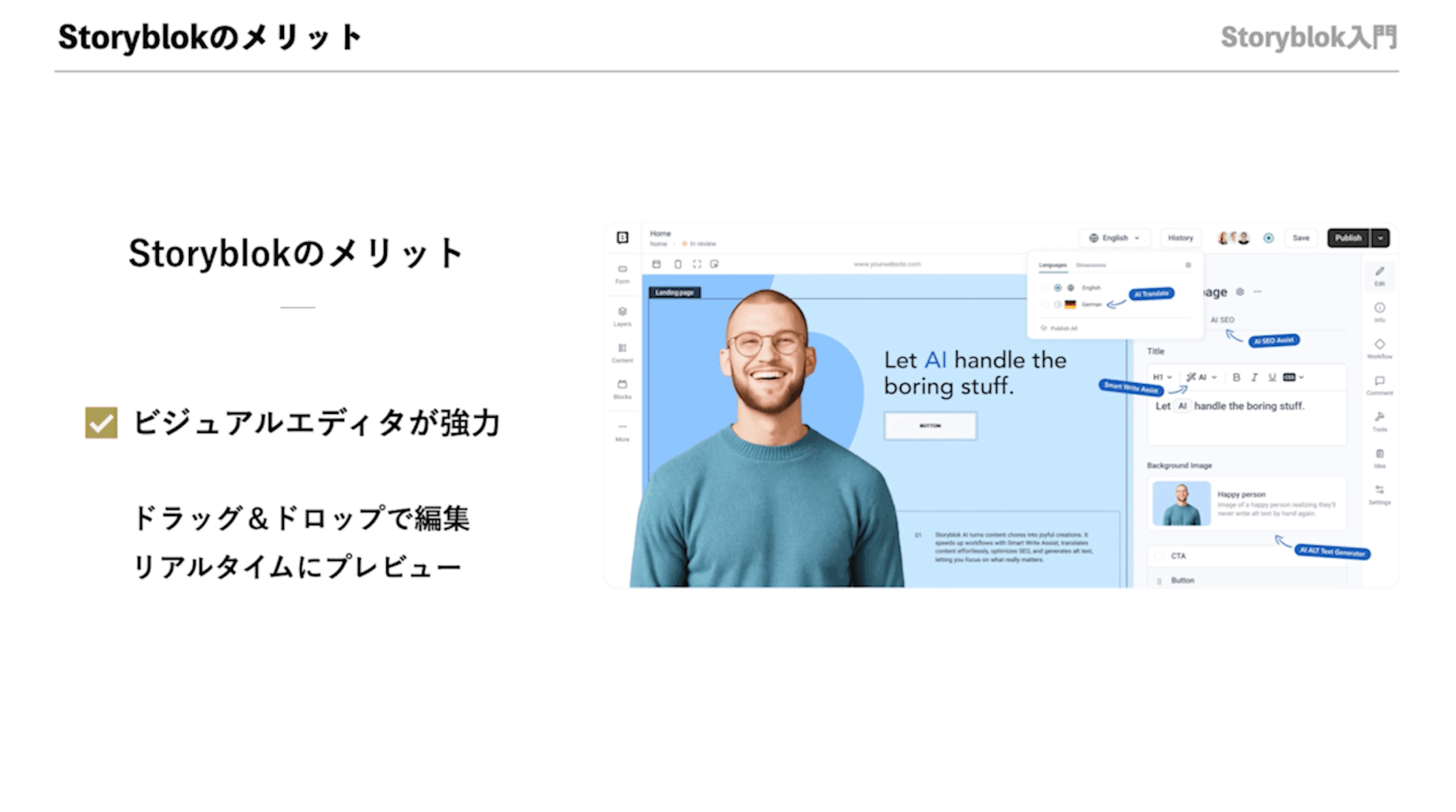
- Multilingual support: You can build multilingual sites simply by adding language settings, and manage translation/approval flow easily.

In other words, Storyblok takes "headless extensibility" and "the ease of using no-code tools".
Storyblok manipulation
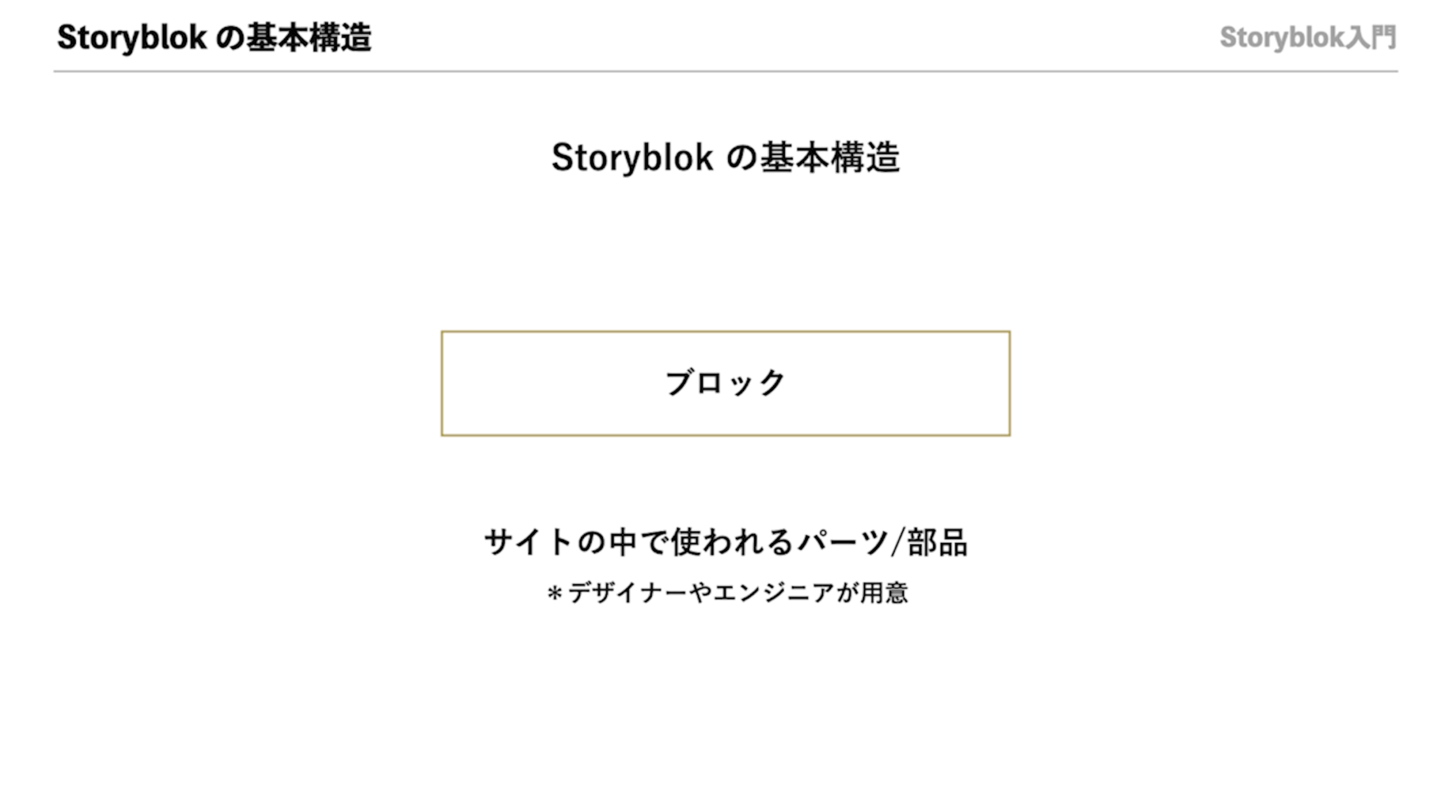
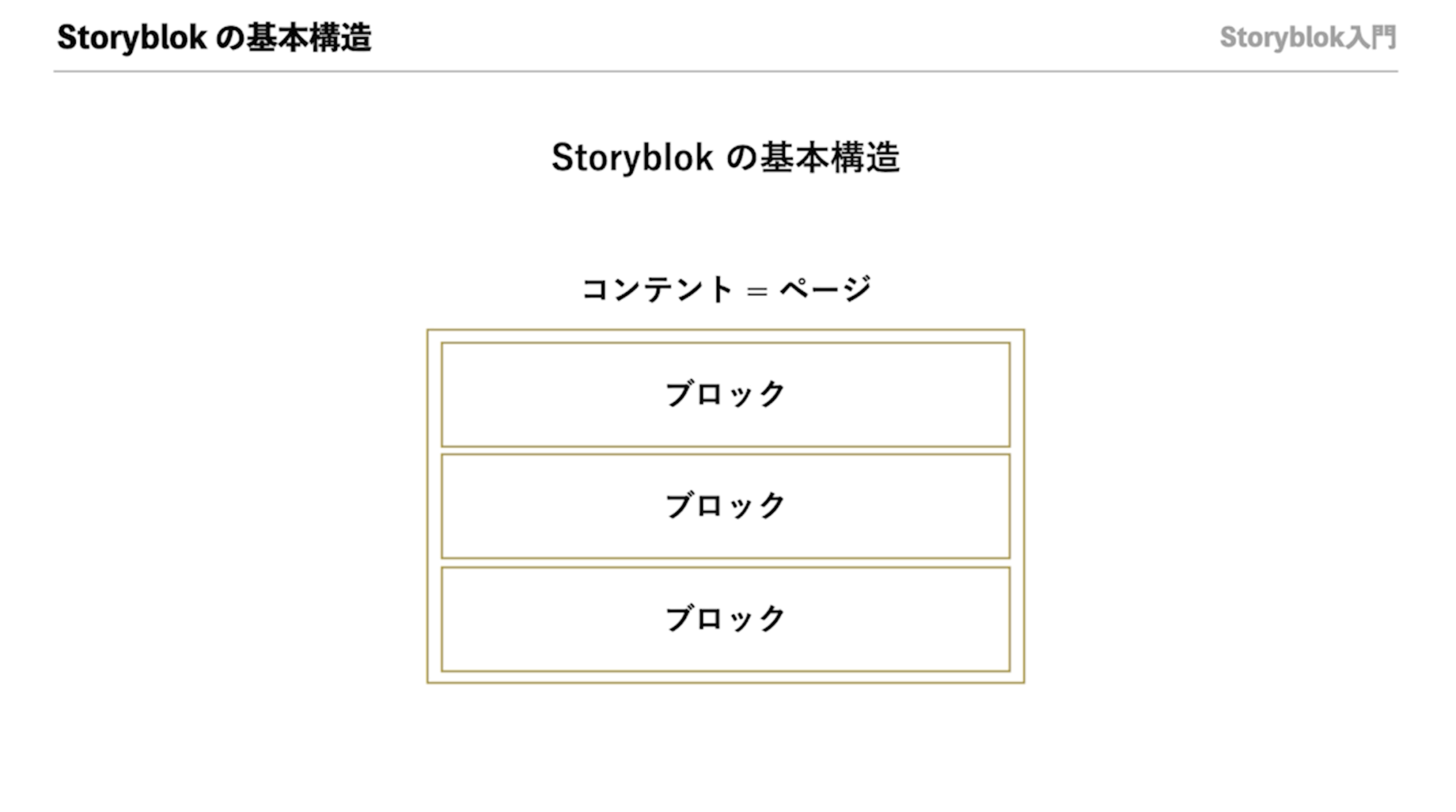
Storyblok is designed to assemble “blocks (= parts)” created by designers/engineers in advance within the content (= pages), and since it can be assembled with no code, non-engineered site agents are able to update them flexibly.
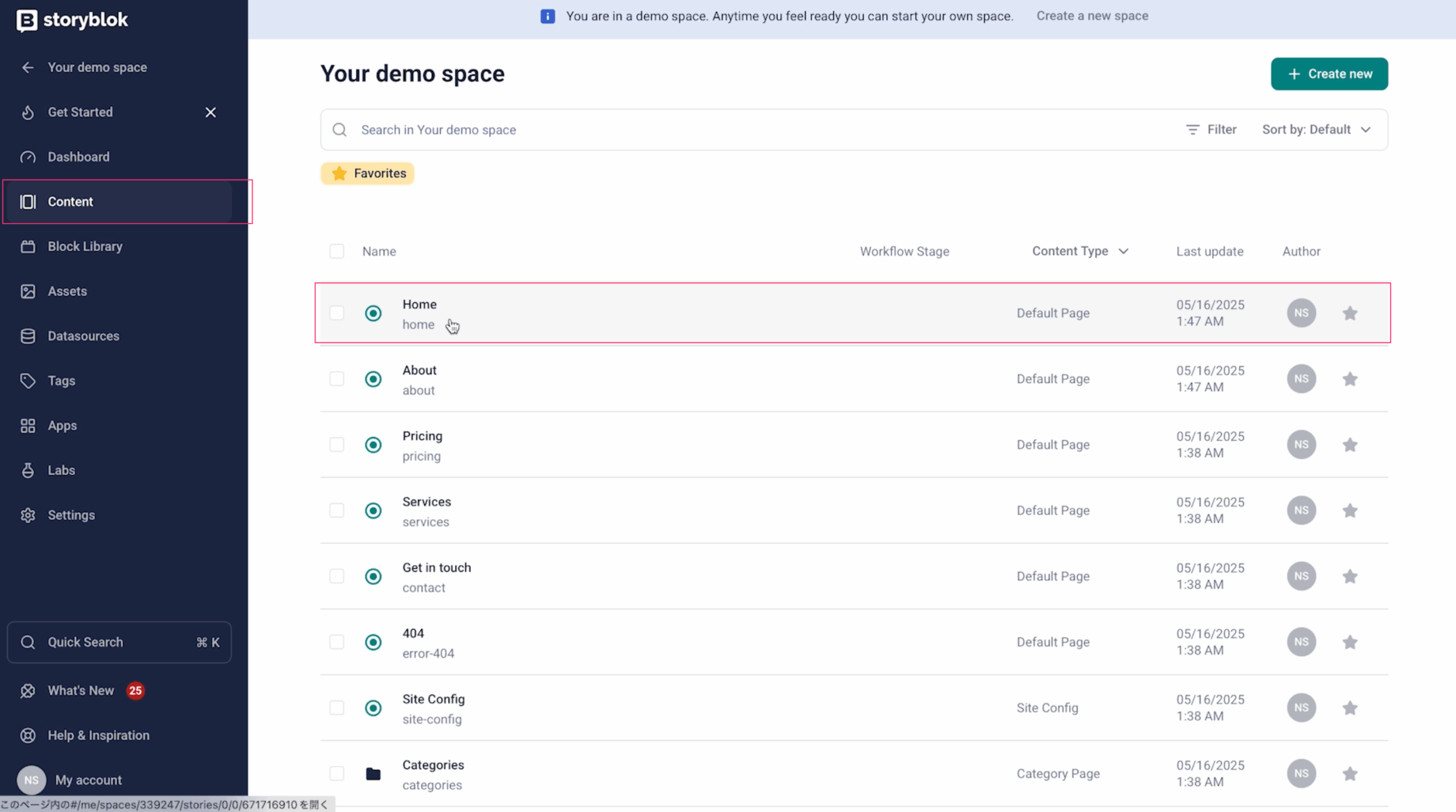
how to create a top page
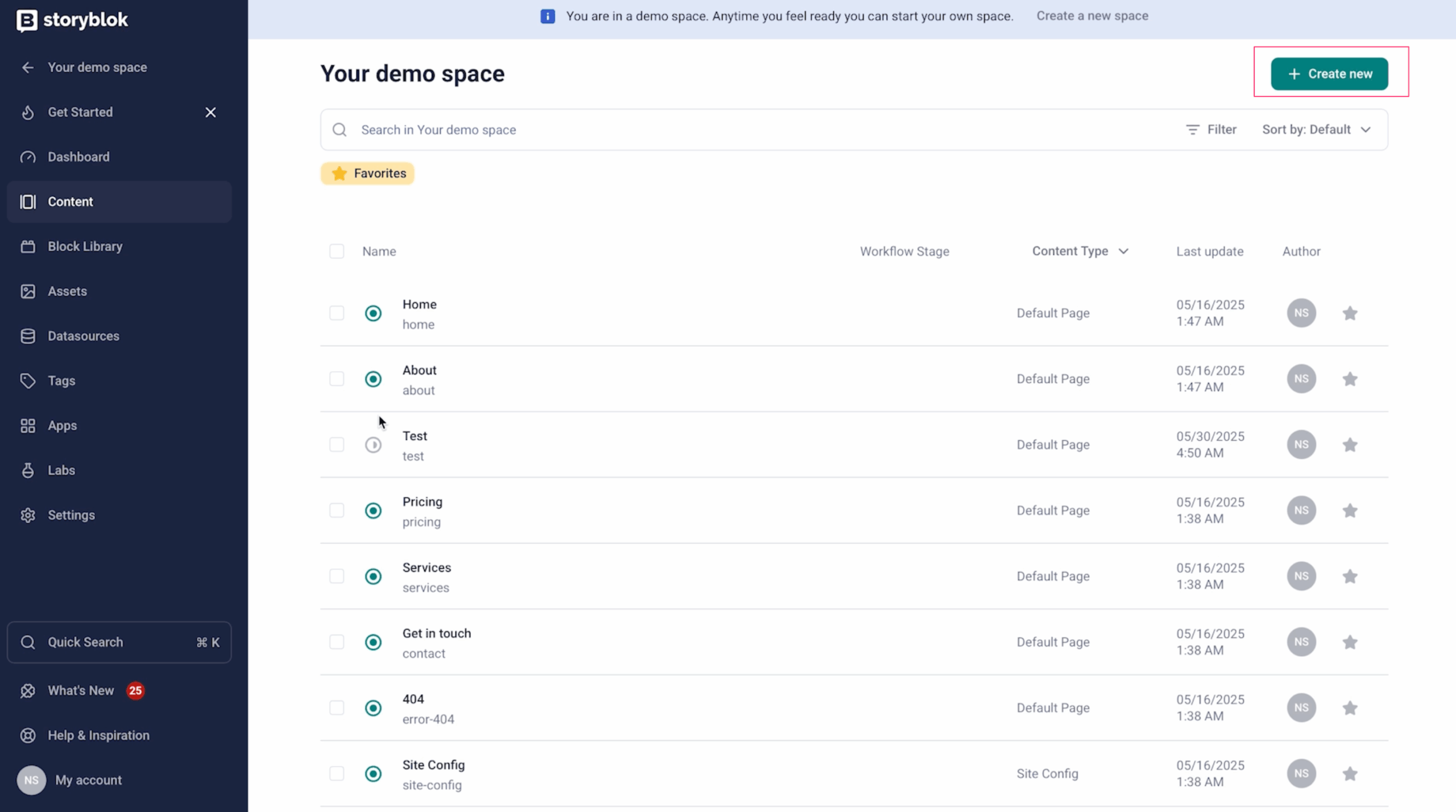
When you open “Content” on the Storyblok management screen, a list of each page is displayed; when you select the top page (Home), your visual editor will start up.
Here, you can combine the blocks that have already been created (e. g. Hero sections, text with images, buttons etc) to edit a page.
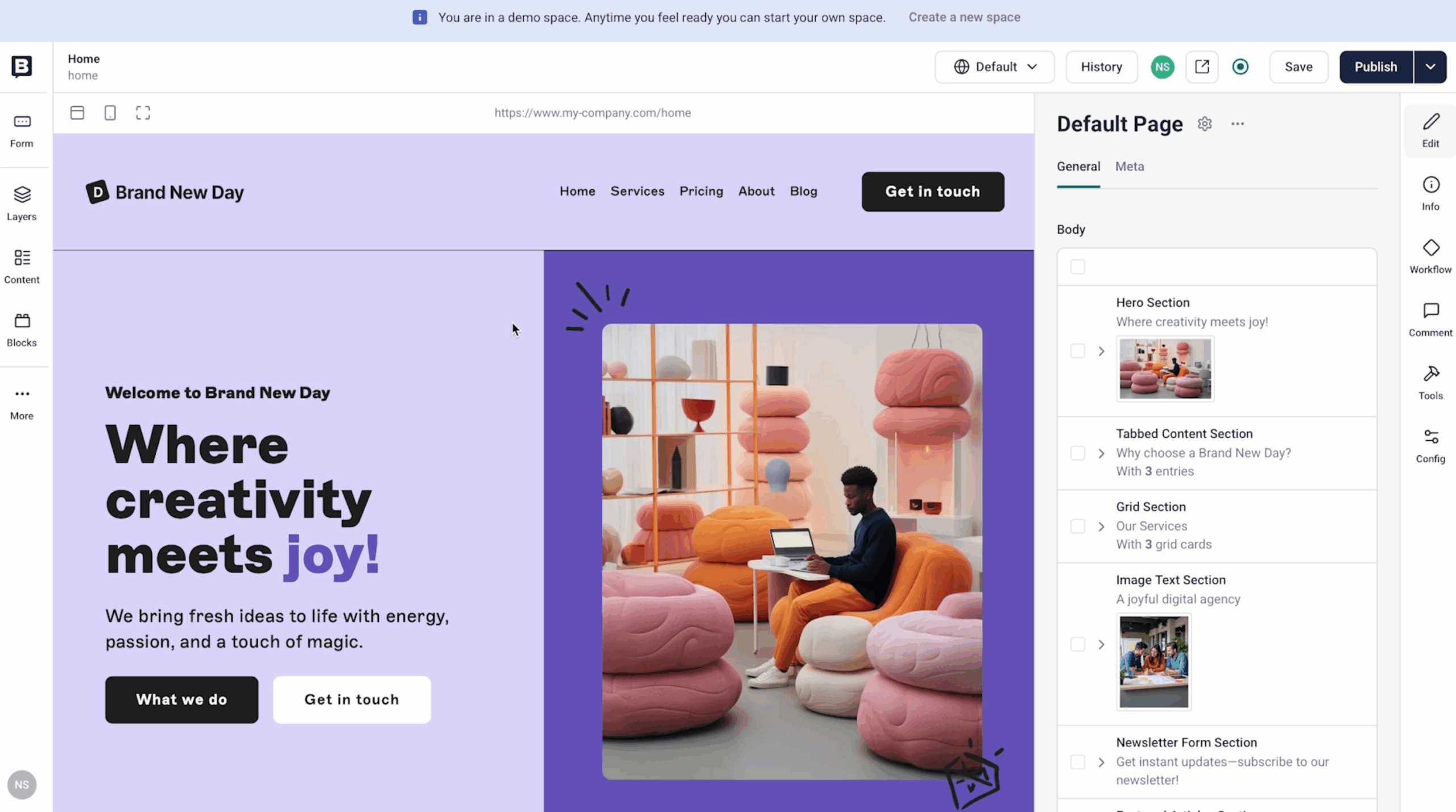
Each section can be sorted or removed from the toolbar.
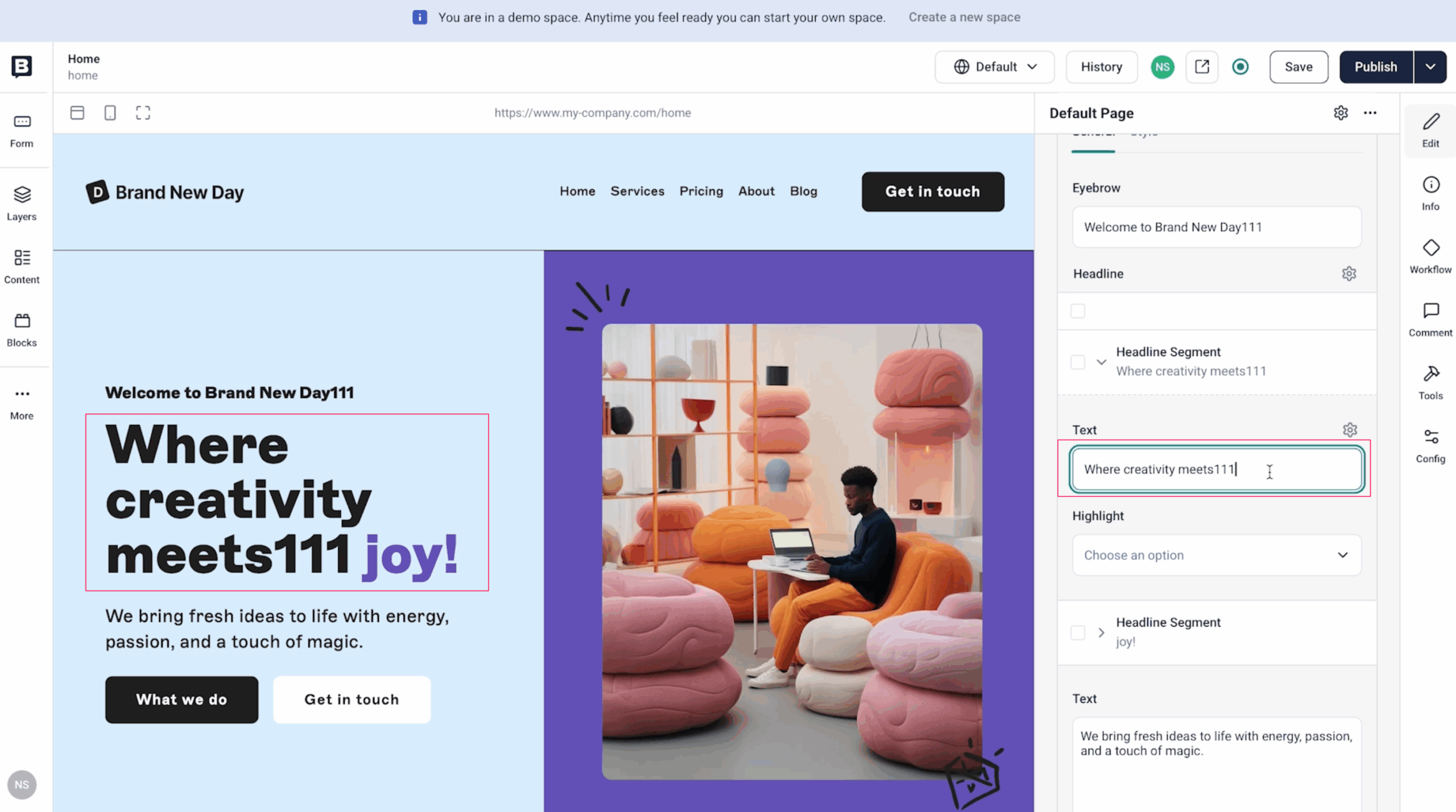
You can edit text and images directly on the fly, allowing you to see your reflection in real time.
For example, if you want to change the headings, just click on that block and edit a text field.
How to make a fixed page (LP)
If you want to create a new page (such as LP), click Content > Create New.
The created page is empty, but we add more and more existing blocks here to create a configuration.
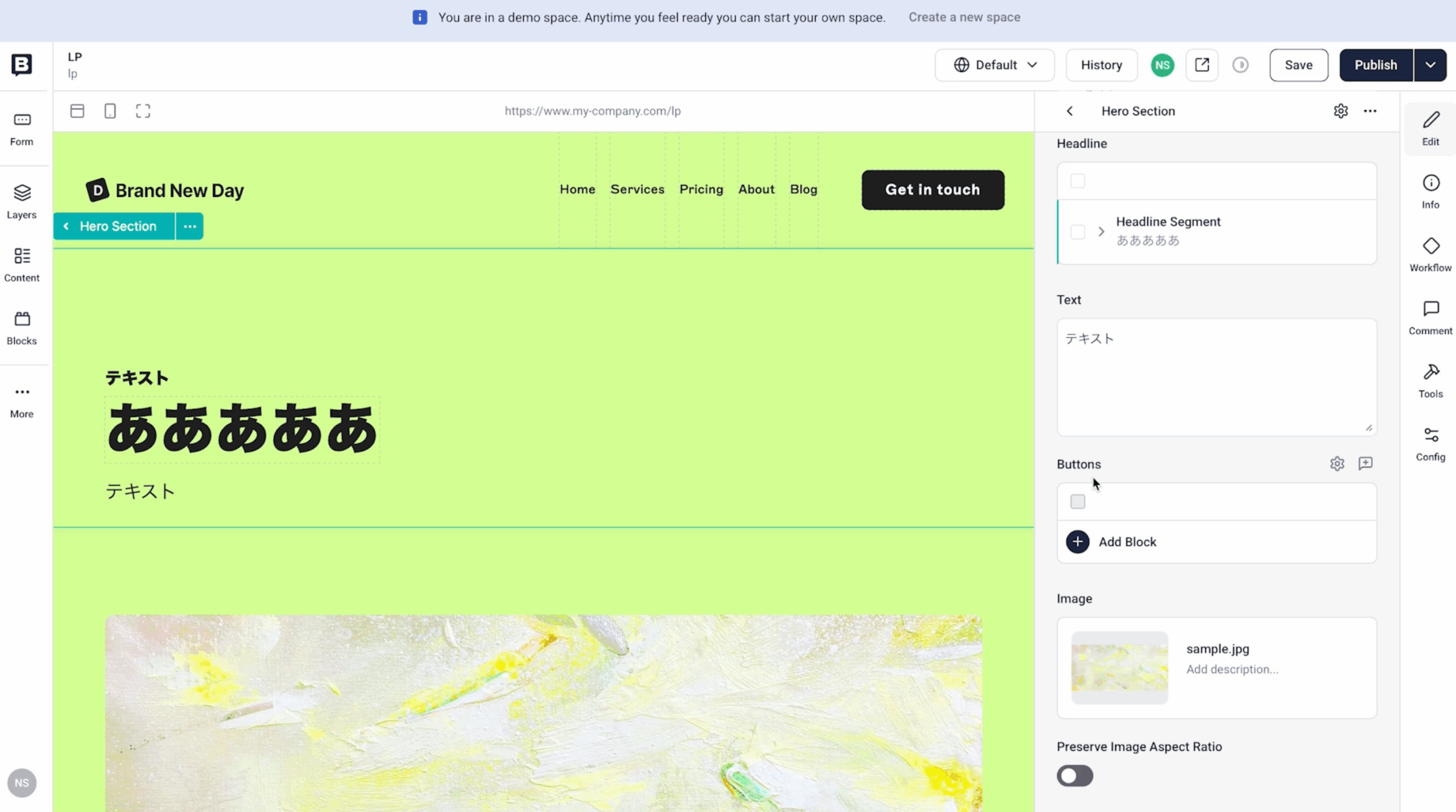
Color and background can also be set for each block, so it is easy to create LPs with different atmosphere.
By using common layouts and parts, you can add pages while maintaining brand consistency.
How to make a blog list page
If you want to create a list page for your blog post, prepare a dedicated folder (for example, articles) and store the article(= Story).
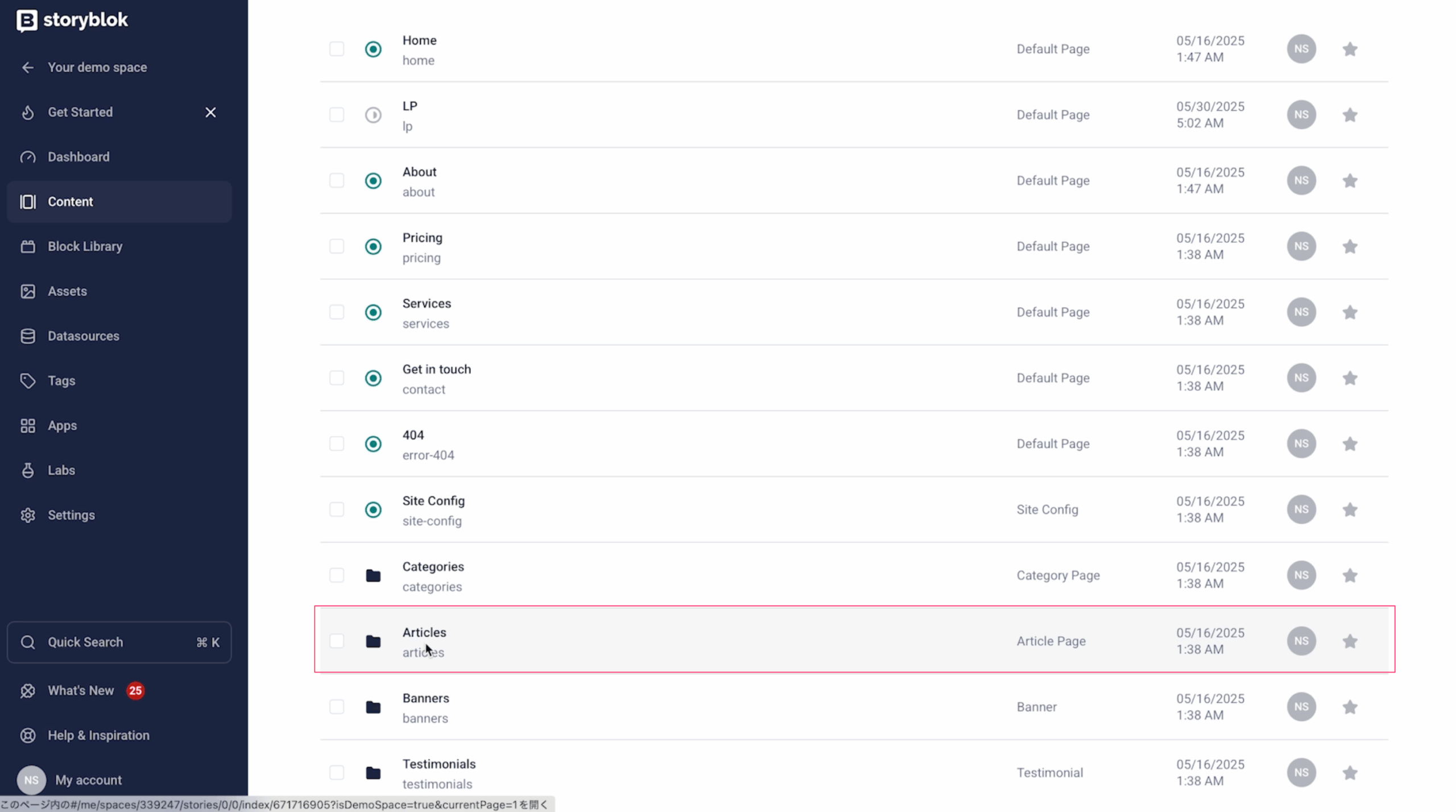
On the list page, you can simply specify "Which folder will display an article" by setting using a dedicated block that displays a list of articles.
In addition, it is possible to filter by tags and categories, so that you can flexibly respond in terms of operation.
Configuration of the blog details page
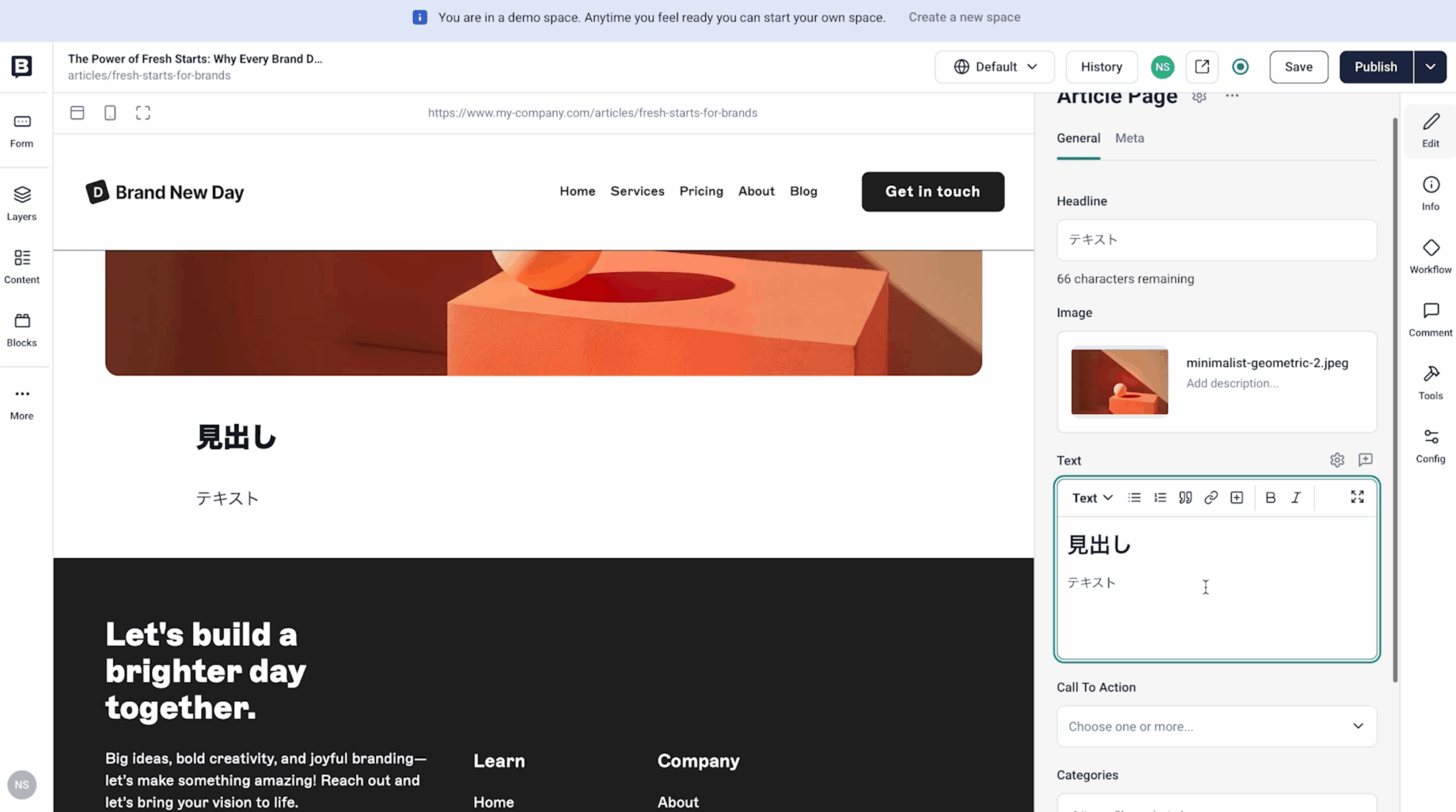
Each blog post is created based on a pre-prepared “Article” block.
The input field of the body is in the editor and enters the heading, body, image etc.
Even when the number of articles is increasing, it can be operated without problems even if there are no tabular list like WordPress by structure management using folders and tags.
How to make an inquiry page
In Storyblok, form configuration can also be defined as a block.
For example, in the block "Contact Form Section", there are items (Headline, Text etc. )
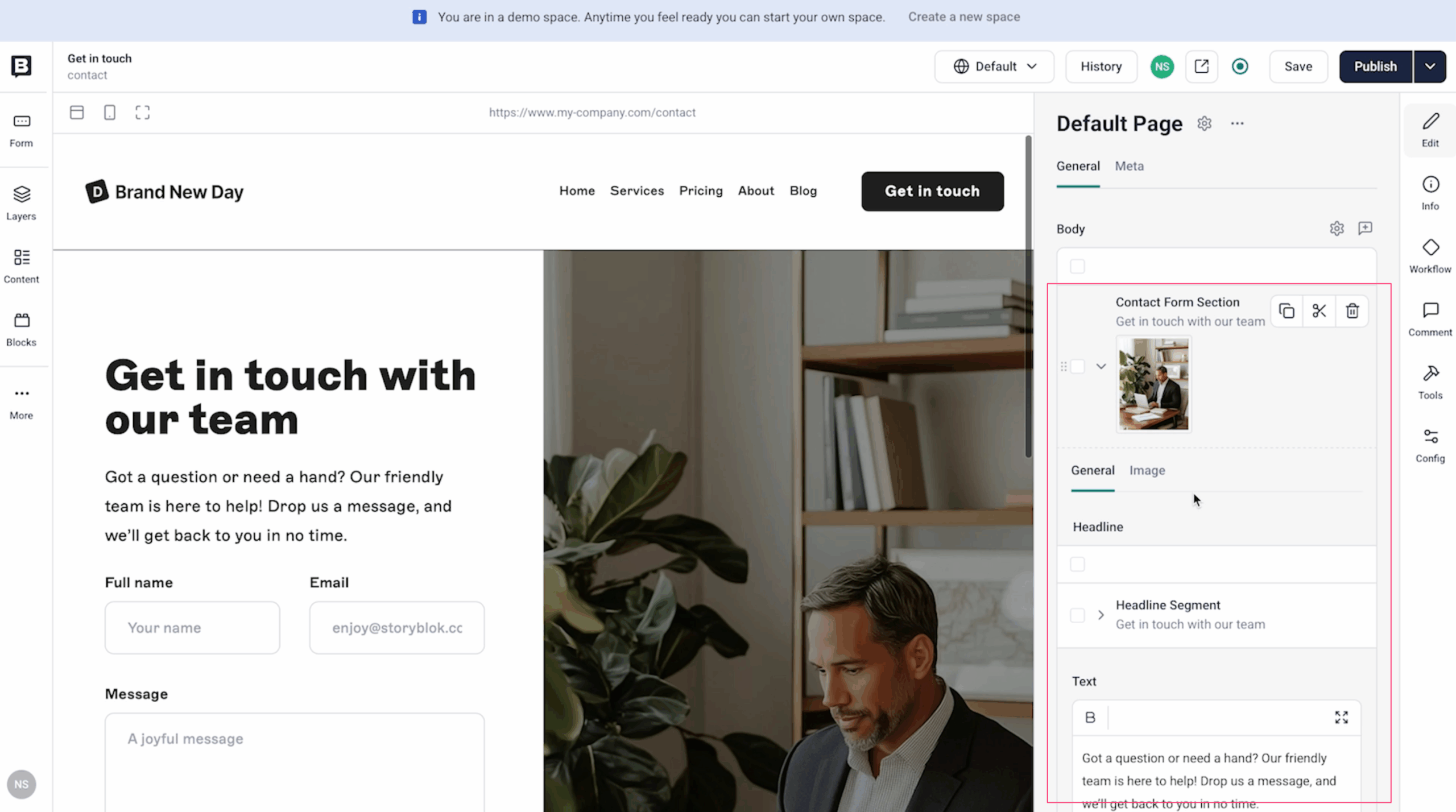
These words can be edited on Storyblok side.
The actual form entry field (name, email, body etc) is implemented on the front end code side.
This means that you can edit the form’s language without code, and developers will be responsible for sending and security controls, as well as embedding form services like Hubspot or Formstack to flexibly design them.
multilingual support advantageous to SEO
Google uses the structure and quality of its site as an evaluation criteria, and one-sided multilingual support (e. g. , only 1 page in English) can have a negative impact on the evaluation of Japanese pages.
With Storyblok, you can properly organize URLs, meta information and hreflang for each language so that you can protect your SEO assets.
Specifically, you can set the language from Settings > Internationalization.

When you add a language, language tabs such as "ja / en" appear on the editing screen of each page and it is possible to enter content for each language.

- Since the configuration is common in all languages, you only need to enter the translation part.
- Operations are also very simple because you don't need to copy a page and create another language.
It also has the ability to visualize approval flows and translation status, making it ideal for team operations.
Summary
Storyblok:
- it's easy to make pages, but fast and secure.
- Ideal for transitioning to WordPress and Shopify integration
- You can change your framework in the future and use it as-is
It is a CMS with well-balanced elements required for modern web operations.
If you are a company considering replacing CMS, or if you are aiming for a site that can operate flexibly in the future, it is an option to consider.
If you have any consultation about implementation or operation, please feel free to contact us.