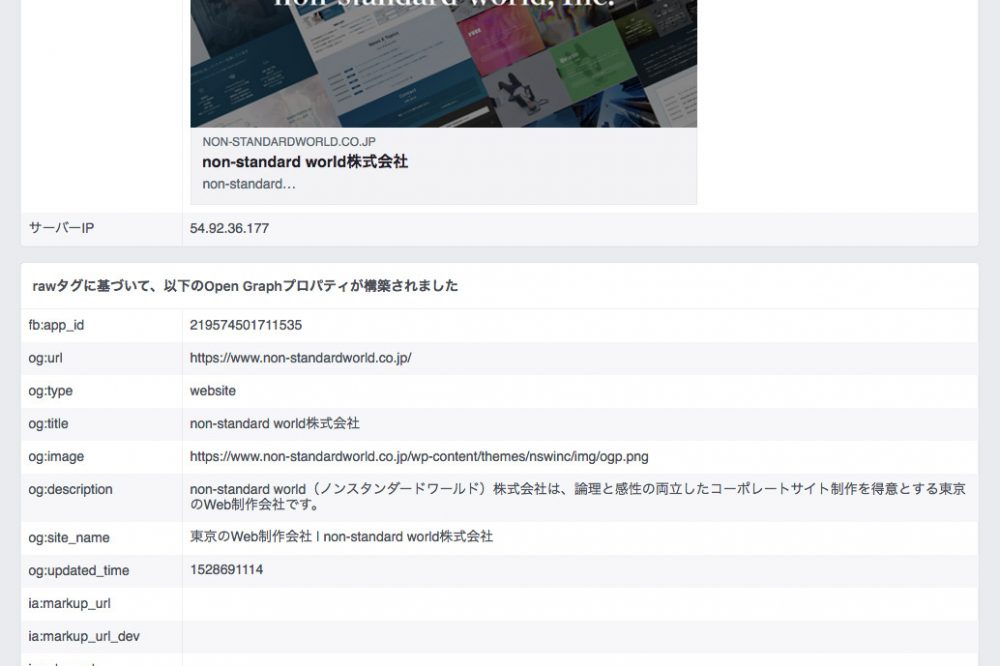
How to check your Facebook Open Graph settings

Open Graph Protocol (OGP) is a standard for displaying information on external sites on social networks such as Facebook and Twitter.
Since this is properly set, when the URL of an external site is shared on SNS, information about that site (page) will be displayed with thumbnail image.
It is very important to keep OGP properly set up as the site inflow from SNS is increasing, and today we will introduce how to check whether the site's OGP has been properly set.
Use Facebook Debugger to Check OGP Configuration
Facebook Debugger is an official tool that allows you to see if your OGP information has been set correctly, and we will use this tool to check the OGP settings.
How to Use Facebook Debugger
1. Facebook Debugger Access to the following:
* You will need to log in to Facebook to use this tool.
In the "Share Debugger" red box, enter the URL of the page you want to check and press "Debug".

In the following way, OGP information is displayed and if there are errors it will also be displayed.
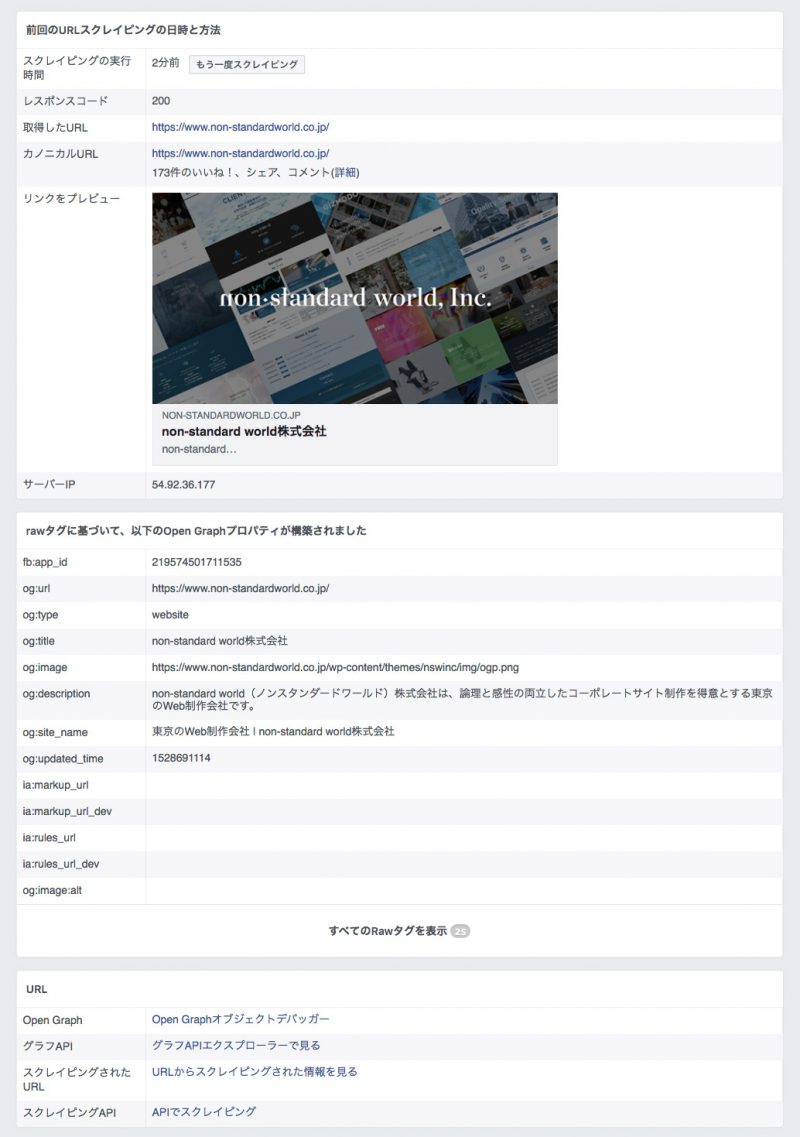
METHOD FOR CURRING OGP INFORMATION
When OGP information is modified or changed, the cache remains on SNS side and it often does not reflect the latest information for a while.
and even then Facebook Debugger After entering the URL you want to clear your cache and displaying information that is currently being cached, click "Scraping again", it will get up-to-date.
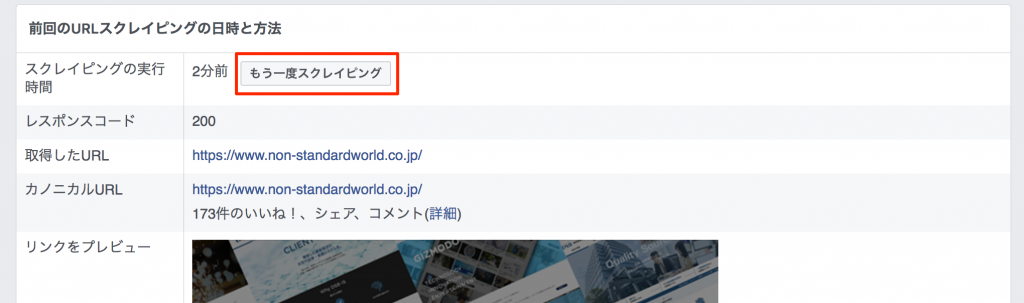
If the OGP information that should have been updated does not change, please try the above method.
This was an introduction to the “OGP confirmation method” that is essential for webmasters.