How to build a website with the Jekyll static site generator

last time This time, we're talking about static site generators, the most popular static site generation tool right now. Jekyll This is another project management tool that's growing at a rapid pace. github I would like to publish the page using a service called github pages.
Installing jekyll
jekyll It is a simple tool developed by the founder of github and it can be imported from other popular PC command line such as WordPress, so you need Ruby and Ruby gem to install.
Launch the terminal and enter the following commands:
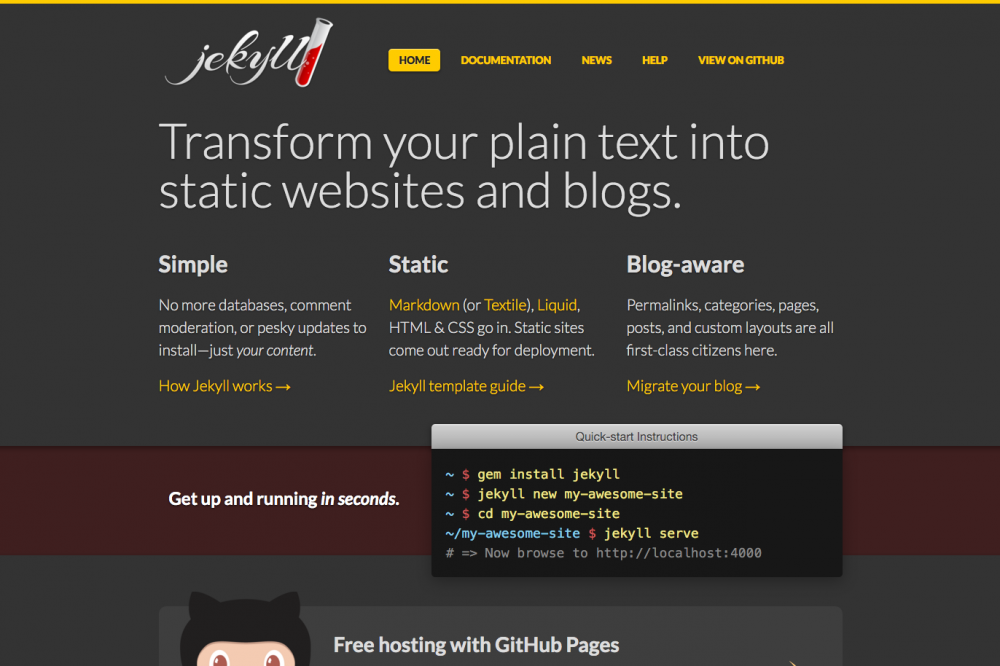
[code]gem install jekyll[/code]
That's it, the installation of Jekyll is complete.
Creating Static Sites with Jekyll
In the terminal, navigate to where you want to create a local folder for your site by the cd command.
Run the following command:
[code]jekyll new site name
cd site name
jekyll serve[/code]
Then you type in http://localhost:4000 and the site that was created by your browser will show up. You need to use a command line, but it's very simple.
This simplicity may be the reason why it is supported by many people. next article In this article, we will explain how to host your site on github pages.
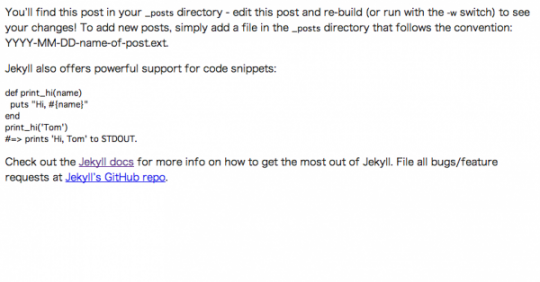
Auto-generated pages with jeykll, very simple.