Making room for life outside work: What we do to work more efficiently

We aim to create a high-profit structure with short working hours in order for our company to value time other than work.
the other day adoption As part of our recruiting content, we will introduce four concepts and specific tools for how we can improve efficiency.
Contents [ hidden display ]
Four Concepts for Efficiency
- 1. Starting from "Am's Respiration" to "Explicit Rules".
One of the concepts is to move by “rules” rather than “air”.
This prevents people from working on the job and allows you to focus on creative parts by reducing wasteful interactions.- 2. Visualize each other's work
This is also due to our semi-remote work system, but we always share in real time who’s busy right now with IT tools and how long it will take us to estimate the project we entrusted.
- 3. Develop an environment that is safe even if it fails, rather than never failing
Of course, it’s best not to fail, but humans are the ones that fail. The term “fail safe” is used in technical terms to create a mechanism where failure can be done rather than failure.
- 4. Let the machine do what it can
The Norwegian fisherman’s ability to use GPS and auction the internet has led to an annual income of more than 7 million yen, making them more profitable than white-collar.
I believe that there are parts of the work that seem to be tough at first glance, but it is gradually devised by IT and can make a high profit.I am always thinking about whether I can improve efficiency through IT.
1. Tool to make "Amn no Respiration" into "Explicit Rules".
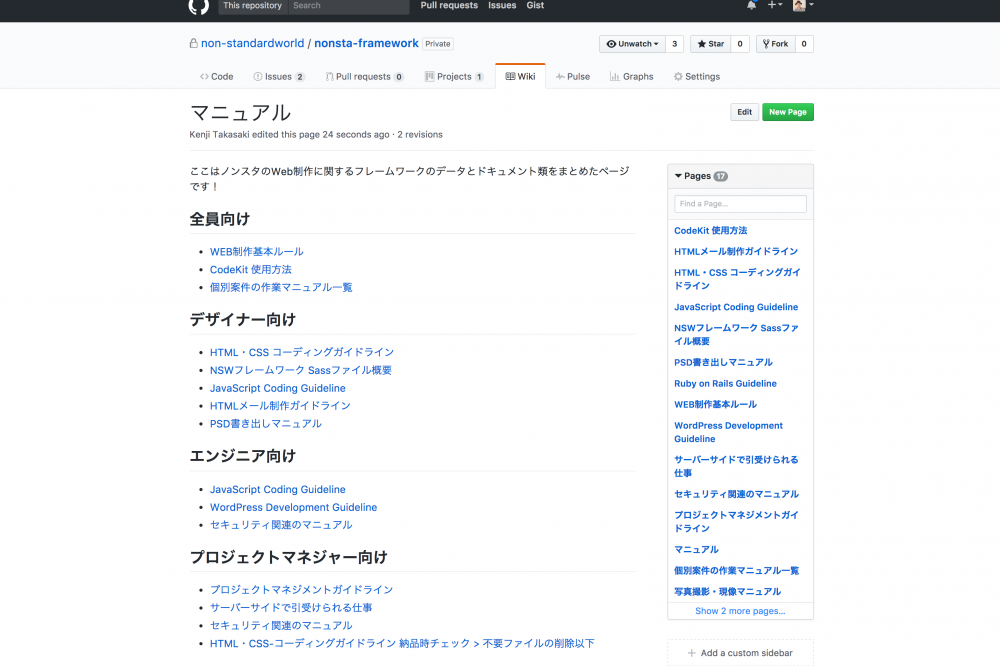
github (code management, issue management, manuals)
as a project management tool. GitHub I use it mainly for the following three points.
Code Management for Smooth Work among Multiple Persons
and as a problem with team building the web
- Someone made a mistake and overridden the file that others were working on.
- When changes were made to the file that was scheduled to be updated many times, I couldn't manage my version properly and published a non-published file.
There will be problems.
This is why we use GitHub’s Git, a distributed version control system that allows each team member to have their own record of work history and share it with the team as needed.
task management
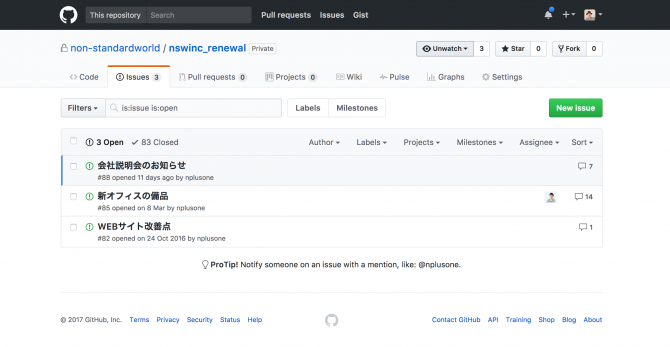
When managing project issues by email, there is a problem where people who have entered CC without seeing the discussion process or at first sight not knowing which issue has been solved and isn’t solved.We use this GitHub issue management feature to share “what are unresolved challenges” and “what has been discussed in the past on that issue”.
manual
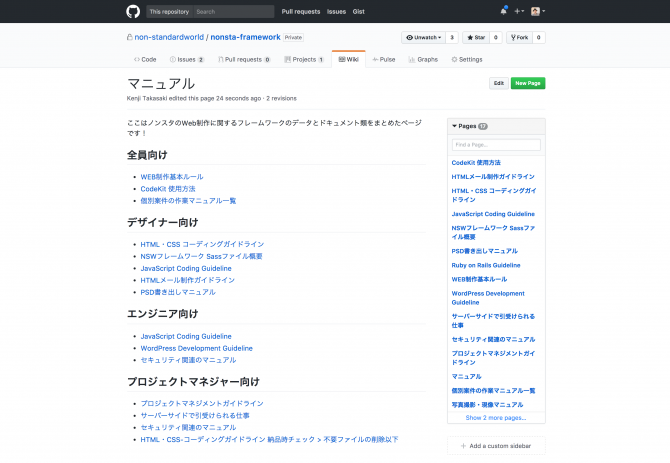
Our team members work in manuals without wasting time and effort on routine operations, by preventing them from becoming subordinates to their work and by making rules instead of just breathing together.
2. Tools for visualizing each other's work
paymo (visualizing, predicting and managing resources)
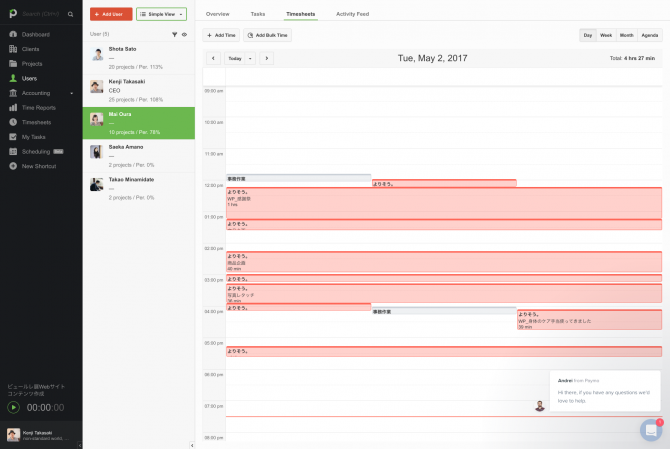
We often work remotely, but we use a time-tracking tool called “Time Tracking Tool” to record the working hours. Paymo It’s designed to share real-time information about who did what and when they did it.
We also use this tool to share the budget given to a project and how much effort it actually takes (management of labor costs) and when members are assigned to what projects, and how much resources they plan to spend.
Wundlerlist (task management, sharing notes)
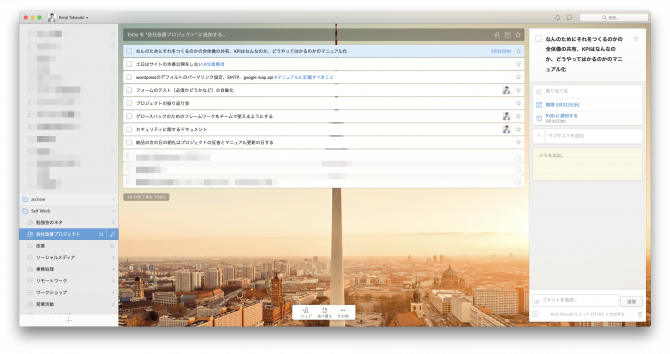
To-do software "manages milestones for each project until delivery, as well as share points of attention and awareness after delivery. Wunderlist I use it.
The good thing about this software is that you can share a single task list with the team, who will do what and when right away.
3. Develop an environment that is safe even if it fails, rather than never failing
Deploybot
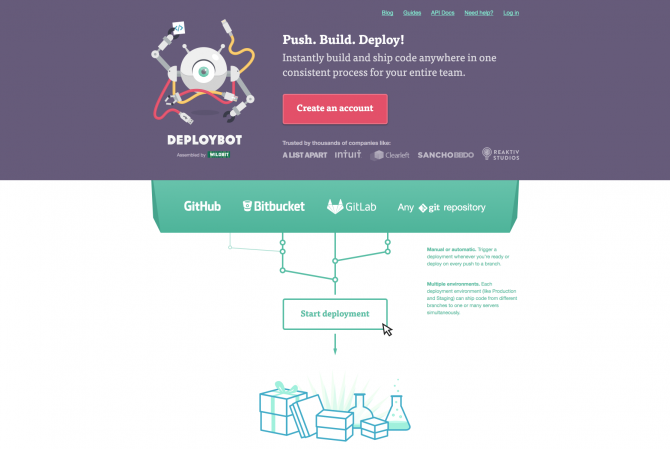
There are a lot of accidents that occur in our work right after we release major changes such as renewals, but the tool for site publication (debroy) ". Deploybot with the help of "
- you can go back to one click if there's anything on the site.
- You don’t have to upload files one by one via FTP, but it works with GitHub to automatically reflect changes made to your site
I'm doing so.
As a result, it avoids trouble immediately after the site is published and improves efficiency of site publishing work and prevents upload leakage.
4. Let the machine do what it can
And we use the following tools to make web production work purely efficient.
local by flywheel

as a tool that allows you to run WordPress on your PC without having to upload it to the server local by flywheel I use the software "I'm using it.
With this, you can check changes on your PC without having to upload them to the server every time you develop WordPress.
There are other tools to run WordPress locally, but the best thing about this tool is:
- It's completely software-only, so you don't have to remember commands and it can be used by designers.
- You can make your PC temporarily like a server and share the pages you're working on with others
CodeKit
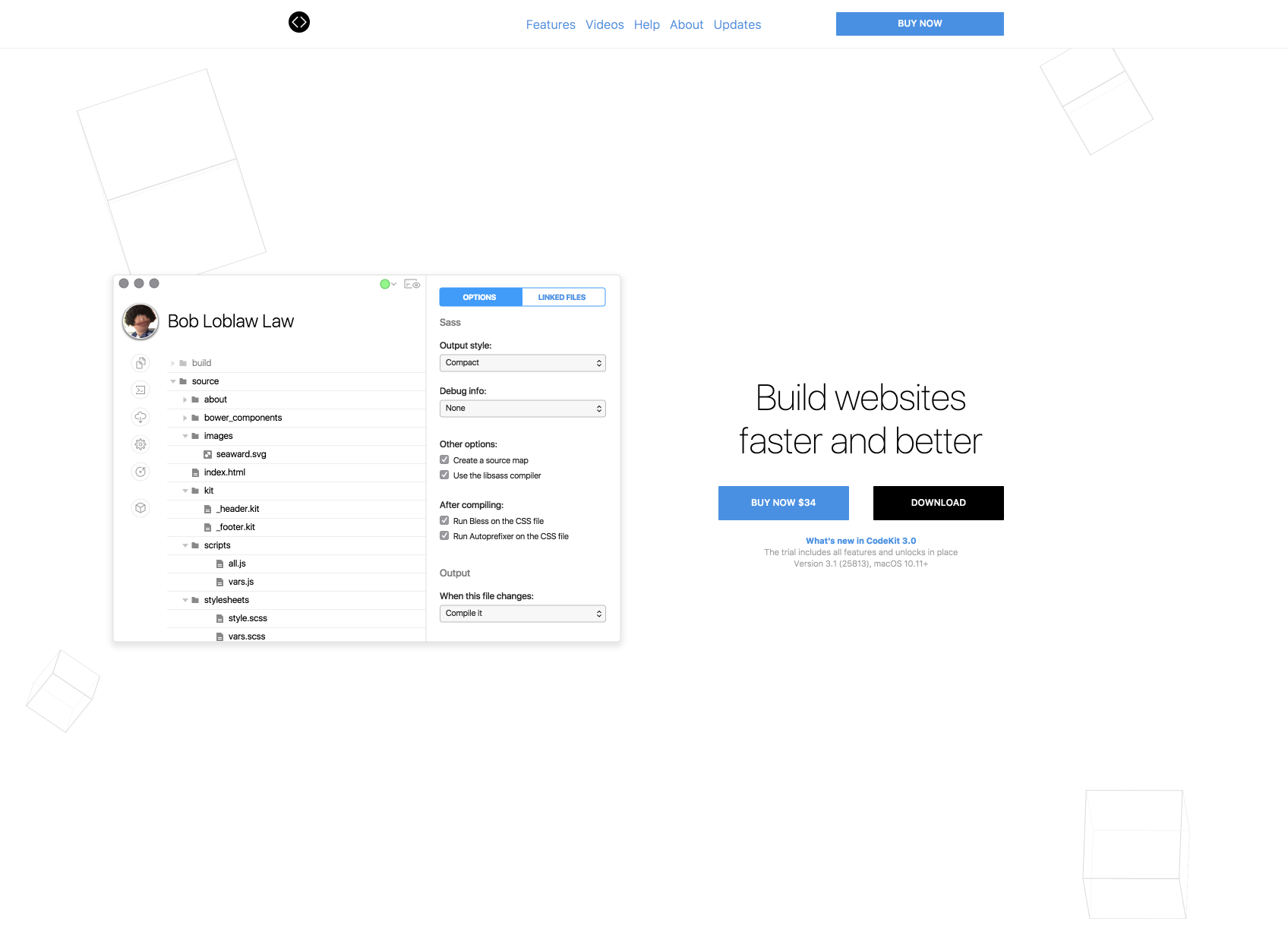
For HTML development: CodeKit We use a tool called .
This software can be as follows:
- preview of HTML with the ability to turn one's PC into a server
- SASS CSS Compilation
- automatic image compression
There are a lot of similar software, but it’s useful in terms of tools that designers can use without having to type commands.
That’s what we did to make it more efficient.
I want to learn a lot from newcomers, so thank you very much!