Three security measures every webmaster should know

Hello, I am Takasaki who is a technical director at non-standard world.
if you don't want to hear about the breach of personal information
There’s also an unusually high cybersecurity threat.
As the Internet becomes an infrastructure that uses people from experts,
There is a reality that cyberattacks are organized and sophisticated.
even if we're monitoring the logs on our servers
It’s not uncommon to be surprised if even such a small site is exposed to cyberattacks.
In this article, we will introduce the security measures that we recommend to protect your important website.
Contents [ hidden display ]
1. Keep your CMS up to date
Cyberattacks are going on every day, but security measures on the system side are going on every day.
If you are using an update system called CMS such as WordPress, it is important to keep your system up-to-date.In addition, in the case of WordPress, if you take the following measures, the level of security will be increased even higher.
- put in a plugin that records who and when accesses the admin screen and what operations they have done
- limit basic authentication or access to the management screen
- use a smartphone for two-factor authentication on the management screen
- Regularly Checking for Viruses and Backing Up Plugins
- restrict access to the ajax program that can be logged into someone's administration screen
- have a comprehensive security plugin
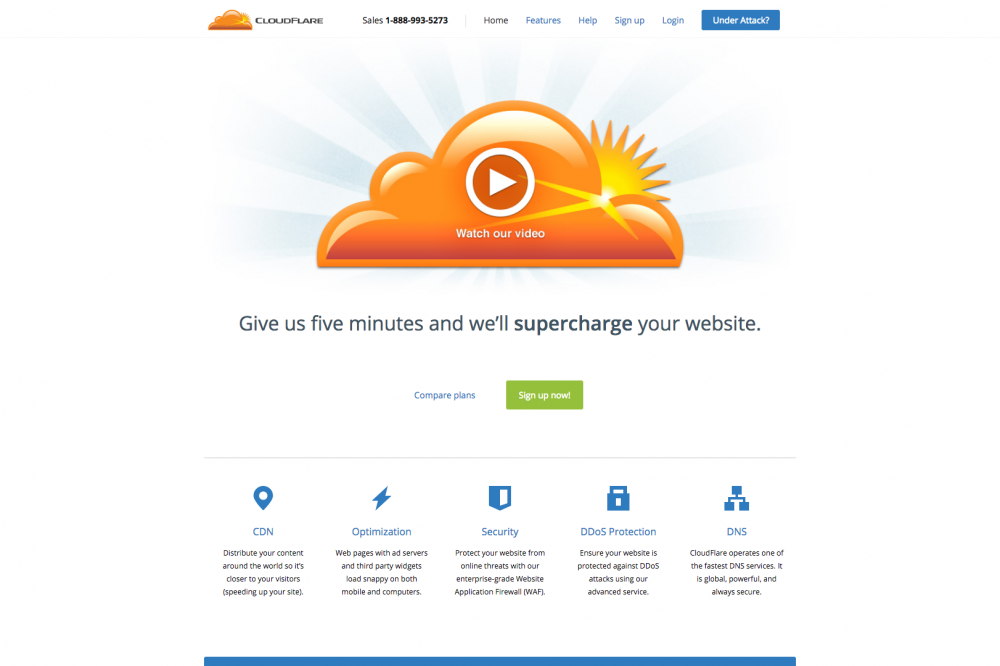
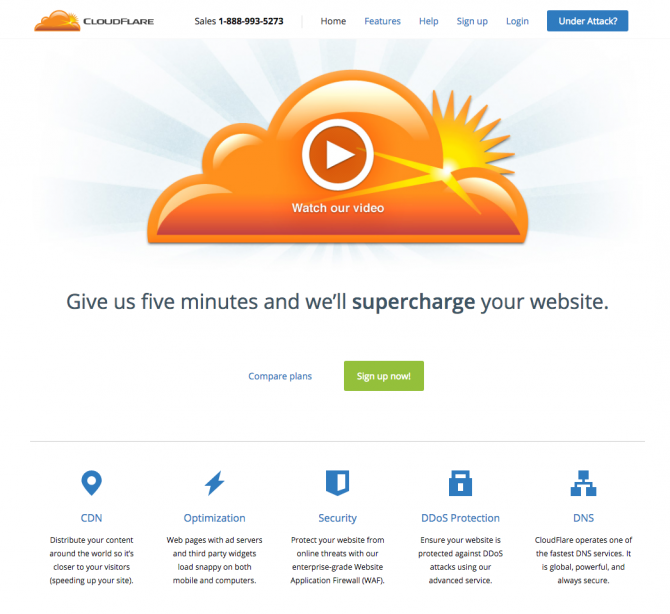
2. Adopting CloudFlare to Prevent Cyberattacks
The Firewall is a way to prevent cyberattacks, but it's free. CloudFlare We recommend that you introduce a service called 'Don’.
When we introduce this service, it has the following effect.
- prevent cyberattacks
- detect cyberattacks
- encrypt communication to prevent eavesdropping
- speed up the display of pages
Especially, encryption of communication and speeding up the display of pages are also effective for search engine countermeasures, so it is a very advantageous service in both defense and offensive sense.
3. Bringing Google Webmaster Tool to Site Down and Virus Infection
Google Webmaster Tool This tool will tell you if your site is down or infected with a virus.
This is also an effective tool in the sense of thinking about search engine countermeasures, and it can be used for free.
Outline: At our company, we don't recommend changing passwords regularly.
One common sense of security is that passwords should be changed regularly, Regular password changes can lower security levels There are survey results.
Therefore, we do not recommend that you change your password regularly.
Passwords can be made using random numbers, which are hard to guess, or two-factor authentication that uses a smartphone’s authentication process in addition to ID/PW.
That’s easy enough, but I explained the security measures of our website and hope it will help you protect your precious site!