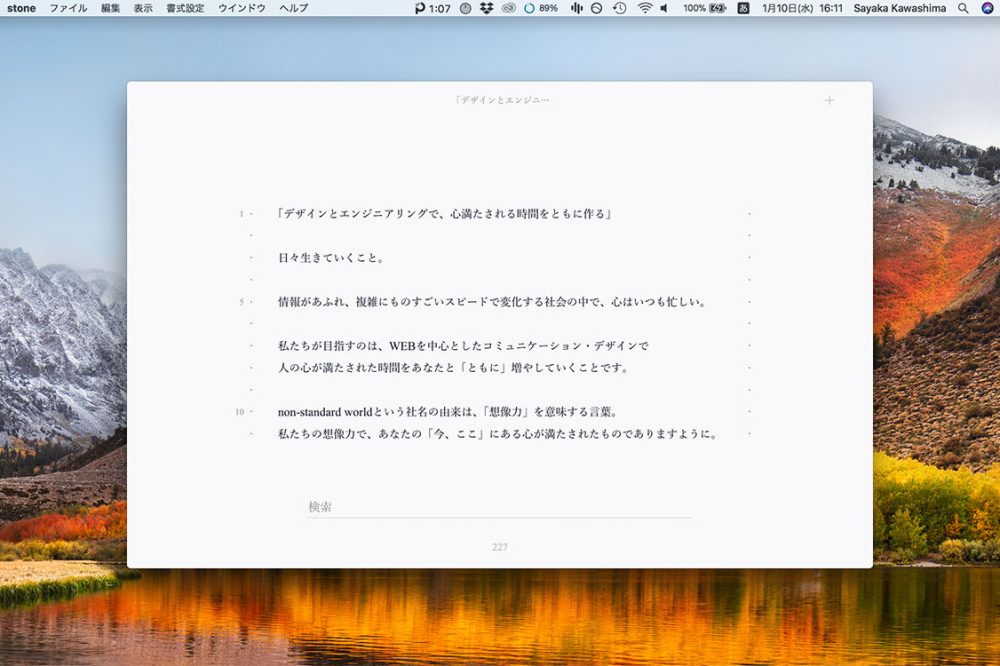
Writing with stone, a Mac text editor like a quiet notebook

Hi. This is our staff, Kawashima.
Suddenly, do the readers of this blog like writing?
When we think about the short texts on social media, personal diaries, poetry, novels and letters, task reports, work emails, and interactions with friends, our daily lives are full of writing.
I also have many opportunities to write long sentences on my computer.
Until now, it was like using something without dare, and I used to be taken care of by Word or memo books. an editor called "stone" When I introduced the book, it was very comfortable to write and we would like to introduce it to you.
It is recommended for anyone who wants to write a sentence with simple screen as well as those who are working on writing such as writing.
Contents [ hidden display ]
"Text editor to make you feel better" stone introduction
Stone is an application for Mac that was just released by the Nippon Design Center in late November 2017, and it's about as cheap as a fountain pen at $3,000.
Official website Stone’s “text editor” is one of the most noticeable features in the app, except for “writing,” and when you launch it will show a pretty white screen.
It's like a notebook I just bought.
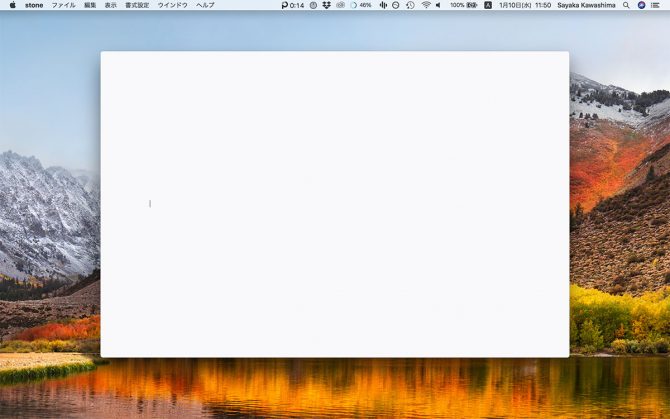
I can't hope for the convenience of a multi-functional editor, but when you just want to write and focus on writing, this tranquility feels great.
because there's no trial version of stone Experience with Stone Development Team I made a trial and then bought it.
It seems that there was a failure to crash from time to time immediately after release, but at the time of my purchase (* 1.0.3) it has already been improved and even if I continue to use it, no trouble occurred.
(Additional note on January 12, 2018. Version 1.0.3 commented that it may drop when writing a long text. Since the files saved at least once will be automatically saved, they are often better to save them in command+s.)
It’s like a notebook, I actually felt it.
I shot a video of my writing using stone.
Displays such as search bar, tab and character count are faded out with the start of typing and will appear again when you move your mouse.
The formatting is usually stored at the bottom of the screen, and can be displayed by clicking on it.
*It looks a bit slick because of the GIF video, but it actually works very smoothly.
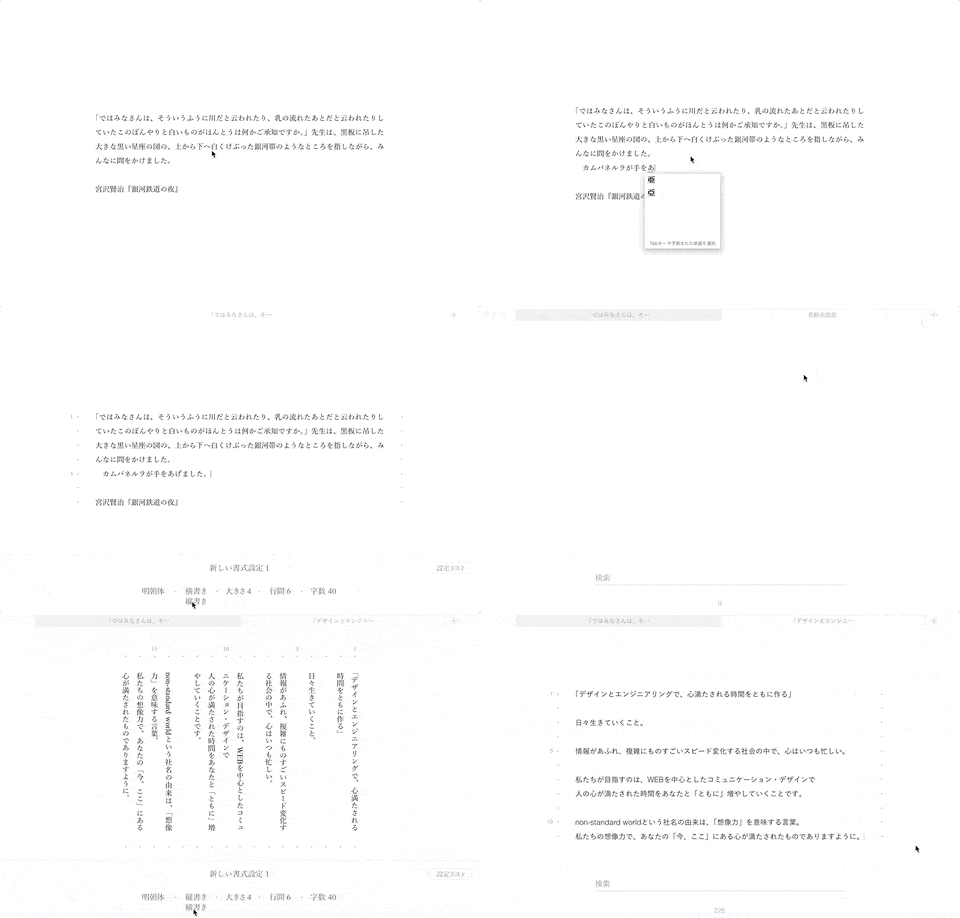
Characteristic of the design, such as sufficient margins, easy to read characters and modest shade.
It turns out that it is an editor created to focus on writing pleasantly.
As a supplement, the writing comfort that I actually tried is as follows.
* As of January 2018, it will be information about version 1.0.
something that someone appreciates using
- the beauty of character composition (prohibition processing is also implemented, and punctuation points etc. do not come into unnatural positions)
- switching between vertical and horizontal writing
- fade-out menu during typing
- tab display of multiple files
- Auto-Save (*It seems that files that have never been saved will not be enabled)
- automatic display of number of characters on a file
- display of the number of lines and the number of characters per line)
something that one thinks it would be better to care about
- The save format is only .txt (plain text) and cannot be marked down
- You can't version files (I complement it by combining git).
- You can't do multi-functional editing (such as specifying headings, changing the color of a text, etc.)
- The formatting is optional, and font size cannot be specified by px or pt.
- Less instructional instructions and a little bit less obvious about available settings or shortcut keys.
If you are interested in stone, I hope it will be a reference.
Let me focus on writing, as a stationery I want to use for a long time.
I also wrote this article on stone, but I felt less distracted from the letter than I used to use it.. Up until now, I’ve often started looking up things in my browser while writing and went to see emails or Slack...
Most importantly, the screen is beautiful so I feel a little better just by typing letters (laughs).
It was a pleasant surprise that it would be possible to have an experience like writing with your favorite pen in fine notebooks on PC.
I would like to continue using it for a long time as a stationery that helps me write.